Expert Data Recovery Edmonton AB Services
Facing data loss? Get expert data recovery edmonton ab solutions. Our guide covers immediate steps, DIY vs. pro help, and compliant services for businesses.

Facing data loss? Get expert data recovery edmonton ab solutions. Our guide covers immediate steps, DIY vs. pro help, and compliant services for businesses.
The message usually starts the same way. A clinician can’t open a patient chart archive. A controller loses access to month-end files on a shared drive. A plant manager sees a RAID volume drop offline right before a production run. In that moment, nobody cares about abstract best practices. They need the safest next move.
That’s where data recovery edmonton ab becomes a business continuity problem, not just a technical one. In Edmonton, the stakes are especially high for healthcare, logistics, manufacturing, legal, and finance teams that rely on local systems, NAS appliances, laptops, and aging server storage to keep work moving. If the lost data includes regulated records, the recovery process itself can create new risk if the wrong provider touches the device.
This guide is written for the first hours after a data loss event. It’s practical, calm, and built around what reduces damage.
It happens in the middle of an ordinary day. Someone opens a spreadsheet and gets an error. A file share asks to be formatted. A laptop that worked that morning now clicks, freezes, or disappears from the network. Within minutes, operations slow down and everyone starts guessing.
In Edmonton businesses, that first wave of confusion can spread fast. The front desk wants answers. Finance wants timelines. Leadership wants to know whether the problem is local, recoverable, or reportable. In a clinic, the pressure is worse because unavailable records affect care as well as administration. In a warehouse or manufacturing environment, every lost hour can ripple into scheduling, shipping, and customer commitments.
The common mistake is treating this like a routine IT nuisance. It isn’t. Data loss has two tracks. One is technical recovery. The other is decision quality under stress.
A disciplined response starts with accepting that not every loss needs the same remedy. A deleted folder on a healthy workstation is one kind of problem. A physically failing SSD, damaged server drive, or corrupted RAID set is another entirely. Teams that recognise that distinction early usually preserve more recovery options.
If you’re dealing with branch offices or staff in multiple cities, it can help to review outside examples of fast, trusted data restoration so decision-makers understand what a professional process should look like under pressure.
The first goal isn’t to “fix” the device. The first goal is to stop the situation from getting worse.
Security also matters right away. If the failure happened after suspicious activity, encryption warnings, or unusual account behaviour, treat the event as potentially broader than storage failure and review a local ransomware response perspective such as this Edmonton ransomware protection resource.
A receptionist in an Edmonton clinic cannot open patient files before the first appointments of the day. A controller at a construction firm finds the project share missing. In both cases, the first 30 minutes shape cost, recovery odds, and, for regulated businesses, what has to be disclosed later.
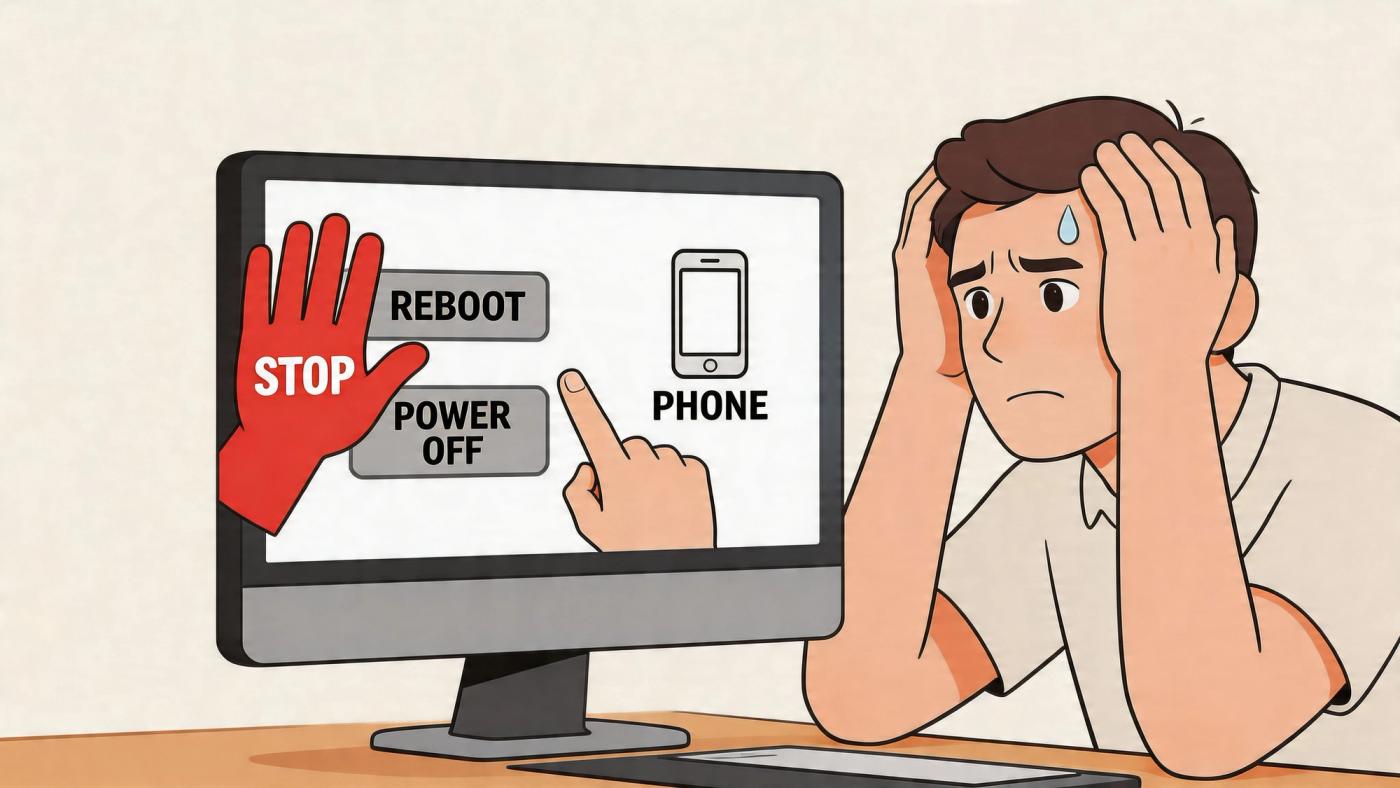
The right response is triage, not experimentation. I have seen recoverable cases become expensive lab jobs because someone kept rebooting a failing drive, ran repair utilities against unstable media, or let three different people try three different tools.
Begin by deciding whether this looks like a hardware problem, a logical problem, or a security incident.
If you hear clicking, grinding, repeated spin-up attempts, or the device drops in and out of view, stop using it and power it down safely. Do not run CHKDSK. Do not reconnect it to another workstation to “see if it shows up there.” Every extra read can make recovery harder.
If the issue is on a server, NAS, or RAID, preserve the system layout before touching anything. Photograph drive bays. Record disk order, RAID level, warning lights, controller messages, and any recent power event or failed update. That information saves time later and can prevent a bad rebuild decision.
For healthcare clinics, dental practices, pharmacies, legal offices, and other regulated organisations, add a privacy step immediately. Write down who discovered the issue, who handled the device, where it was moved, and whether patient, employee, or financial records may be involved. Under PHIPA and similar compliance requirements, that chain-of-custody detail matters almost as much as the technical diagnosis.
Use this triage list:
Several common reactions create avoidable damage.
If the problem is limited to an accidental deletion on an otherwise healthy machine, review a basic guide on how to recover deleted folders and keep the system as idle as possible until you decide whether to proceed.
Different devices fail in different ways, and the first response should match the device.
A phone that will not boot should stay charged, but do not factory reset it. An SSD that disappears from BIOS may have firmware or controller trouble, and repeated power cycling can make later recovery work less predictable. A server volume with several disks should be treated as one system. Pulling drives, changing order, or starting a rebuild without a diagnosis is where small incidents become major ones.
If you are unsure whether the case belongs in-house or in a lab, use a professional data recovery service decision guide before anyone takes another action.
One final point gets missed in a lot of Edmonton recovery situations. Security and compliance start in the first half-hour, not after the files come back. If the device contains PHIPA-covered health data, client financial records, or legal evidence, preserve the device state, preserve the handling record, and choose the lowest-risk path first.
A clinic manager in Edmonton deletes a folder, runs a recovery app, and gets some files back. The problem is that the missing records include patient intake forms and billing data, and now nobody can confirm whether the recovered copies are complete, current, or safely handled. That is the point where this stops being a simple file repair problem and becomes an operational and compliance decision.
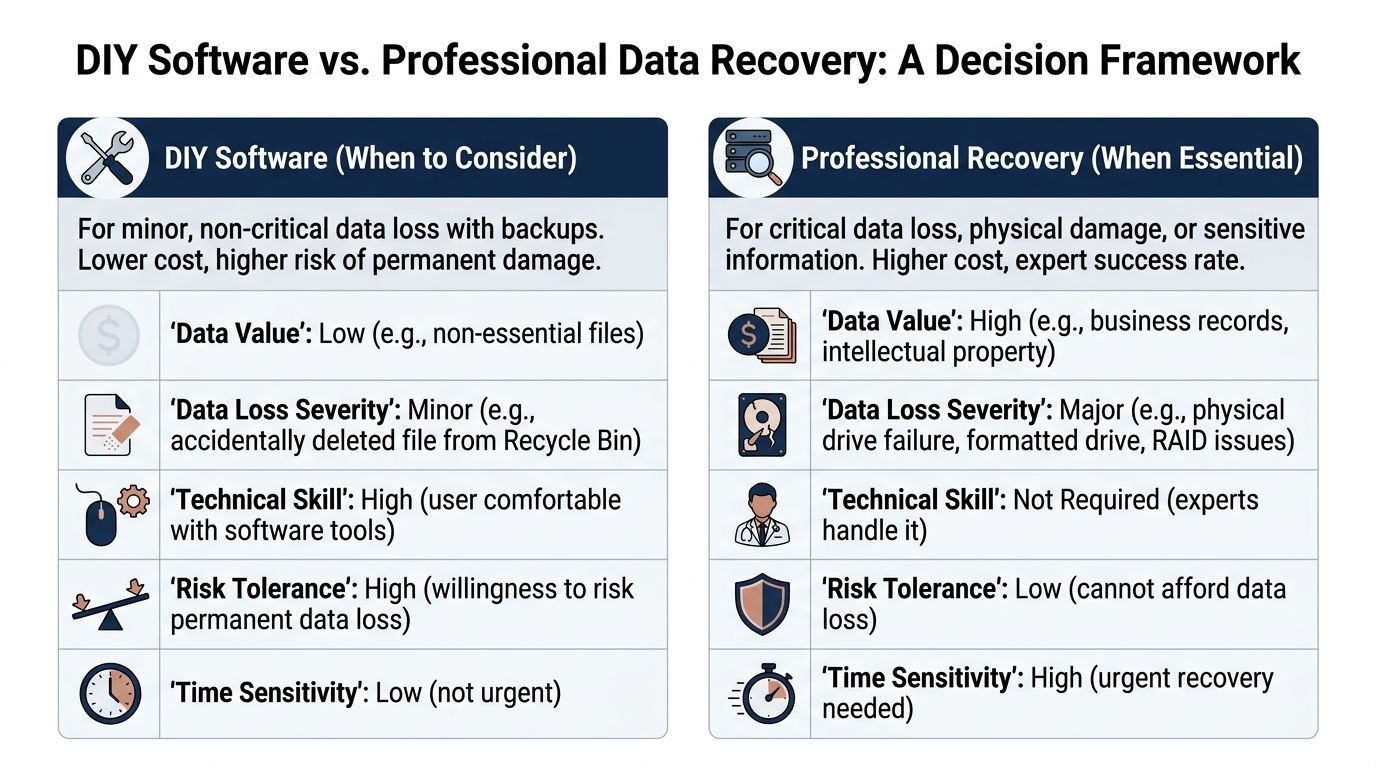
DIY software is reasonable in a narrow set of cases. The device must be stable, the loss must be logical rather than physical, and the downside of failure must be low.
| Scenario | DIY may be reasonable | Why |
|---|---|---|
| Accidental file deletion | Yes | The storage device is healthy and the issue is logical, not physical |
| Empty recycle bin on a healthy PC | Sometimes | Best when the data is not highly sensitive and the system has not been heavily used since deletion |
| Lost files on a non-critical USB drive | Sometimes | Lower business risk if recovery fails |
| Corrupted partition on a still-stable drive | Maybe | Only if the drive is detected normally and shows no physical distress |
That last point matters. A deleted marketing asset and a deleted patient chart are not the same recovery job, even if both started with someone pressing the wrong key.
For regulated businesses, I use a simple test. If you can afford to lose the files, prove what was lost, and restore from another source if the attempt goes badly, software tools may be a practical first step. If you cannot do those three things, treat DIY as a risk multiplier.
Professional recovery is the safer call when the device shows any sign of physical failure, the storage system is complex, or the data carries legal, contractual, or privacy obligations.
Stop using software tools and get a lab involved if you see clicking, grinding, burn marks, liquid exposure, disappearing SSDs, degraded RAID sets, encrypted business volumes, or media that contains PHIPA-covered health information, financial records, or legal evidence. In those cases, the actual cost is rarely the recovery invoice. It is the combination of permanent loss, downtime, breach exposure, and weak documentation about who handled the device and what changed.
General recovery apps can help with simple logical loss on healthy media. They do not repair a damaged read head, stabilize failing NAND, reconstruct a RAID with missing metadata, or preserve a defensible chain of custody. They also create risk in healthcare and other regulated settings, where an unsupervised recovery attempt can complicate breach review and record integrity questions.
Use these questions:
For a broader comparison of business cases, risks, and service options, review this data recovery service decision guide.
If certainty, defensibility, and controlled handling matter, the decision is already clear.
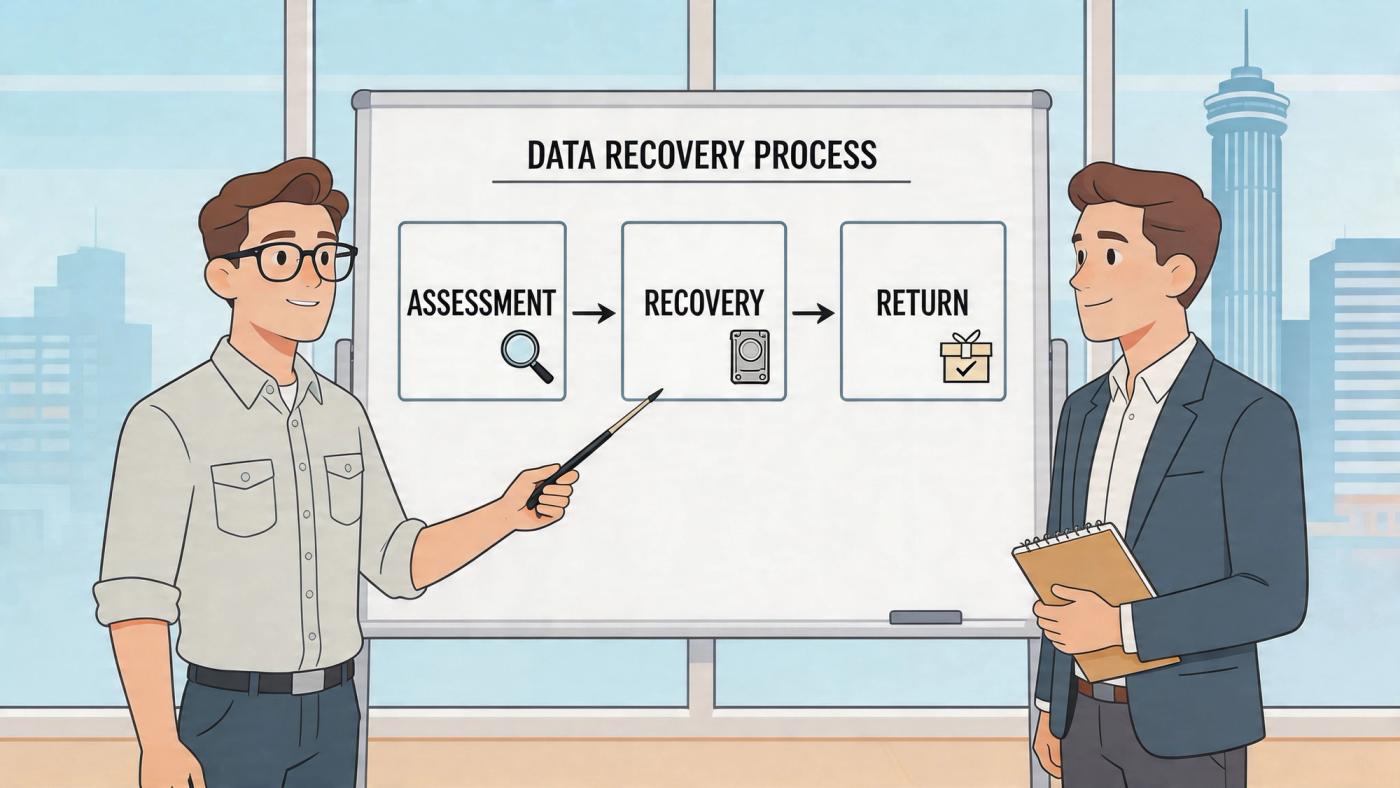
A professional recovery process should feel controlled, transparent, and boring in the best sense of the word. If a provider sounds vague, rushes you into approval, or can’t explain its workflow clearly, that’s a warning sign.
In Edmonton, leading services report a 96% success rate and have operated in the region for over 17 years, often pairing that with a No Data, No Recovery Fee guarantee according to Secure Data Recovery’s Edmonton location page.
A solid provider will usually walk through stages like these:
Timelines vary by damage type, donor part availability, and whether the case involves a single drive or a complex storage system. Standard jobs move faster than rare or heavily damaged cases. Businesses often underestimate how much time is spent preserving media safely before extraction even starts.
That’s normal. Careful recovery is slower than guesswork.
Use these vendor questions during intake:
For Edmonton organisations, local service can be useful when a server issue is disrupting operations and leadership wants quick answers. But local alone isn’t enough. A nearby shop without proper process is still the wrong choice.
Some firms need help with a single failed laptop drive. Others need RAID, NAS, and hard drive guidance before they create more damage. This Edmonton hard drive recovery article gives extra context on the kinds of failures businesses commonly face.
The best recovery engagement feels methodical. You know who has the device, what they found, what they’ll attempt, and how the recovered data will come back.
For practical evaluation, look for labs that can discuss tools, imaging discipline, donor part access, and secure return media without resorting to hand-waving.
For healthcare providers, law firms, accounting teams, and other regulated organisations, data recovery is not just about getting files back. It’s about making sure the recovery process doesn’t create a privacy incident of its own.
That distinction matters in data recovery edmonton ab because many providers market general recovery capability but say little about how they protect sensitive records during intake, transport, lab work, review, and delivery.
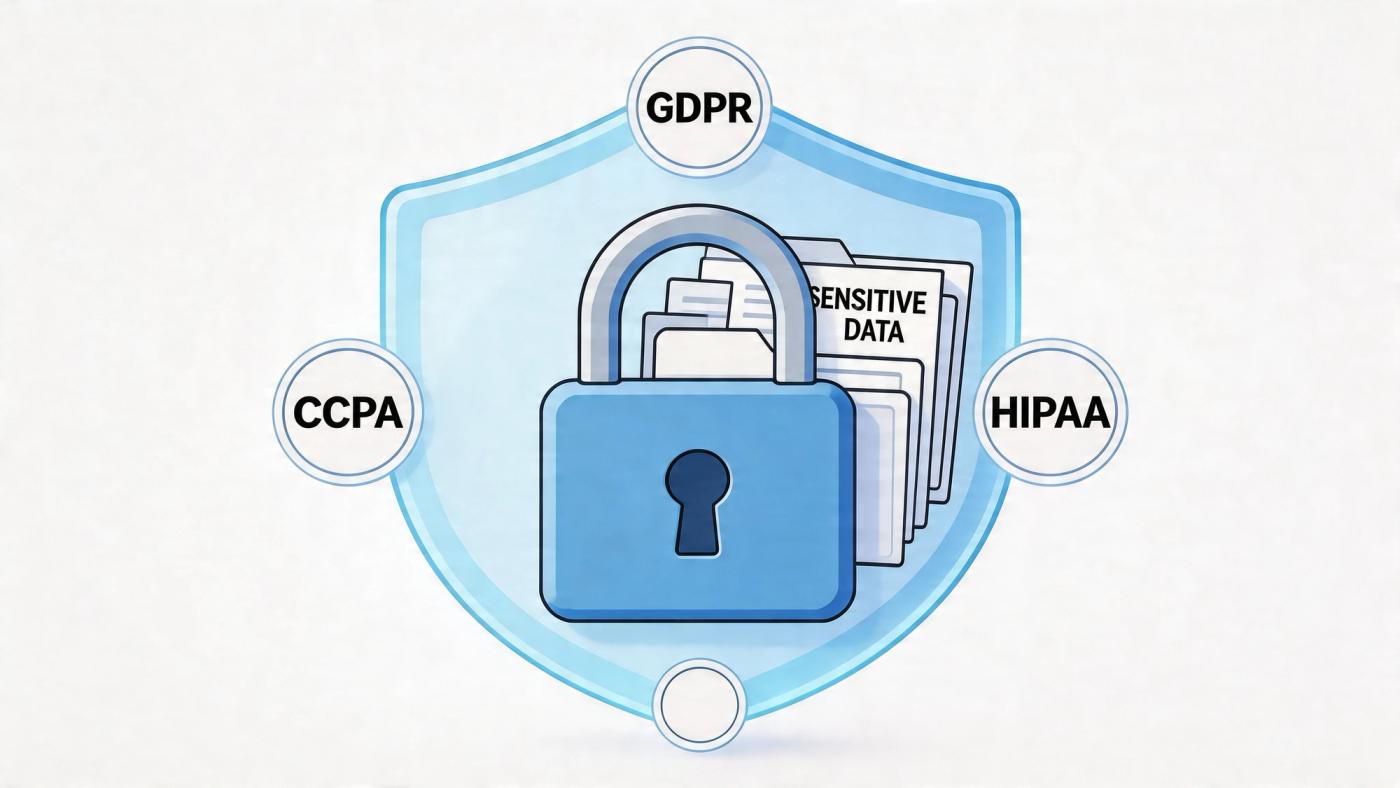
A 2023 Alberta Health report noted that 15% of healthcare data breaches involved physical storage failures, yet a review of Edmonton recovery services shows a lack of advertised HIPAA-compliant cleanrooms or chain-of-custody protocols, as summarised on WeRecoverData’s Edmonton page.
Even if your organisation follows PHIPA and broader privacy obligations rather than HIPAA alone, the operational question is similar. Can the recovery provider prove disciplined handling of sensitive data?
If the answer is vague, move on.
Ask direct questions before you release the device.
These questions are not excessive. They are basic due diligence.
A shop can be technically skilled and still be a poor fit for protected information. That becomes obvious when a vendor can discuss platter swaps but can’t explain access logs, secure transfer, or signed custody records.
Healthcare clinics should be particularly careful. Front-office systems often mix scheduling data, scanned IDs, clinical notes, and billing records on the same workstation or server. Once that media leaves your premises, privacy obligations don’t disappear.
A thoughtful internal review process helps before any incident occurs. This guide to a privacy impact assessment in Alberta is useful if your team needs a framework for evaluating vendors and data flows.
Compliance during recovery isn’t a bonus feature. For regulated organisations, it’s part of the recovery itself.
For legal and finance teams, the same logic applies. If a matter file, tax archive, or audit record is mishandled during recovery, your business may end up solving the original loss while creating a second problem that is harder to explain.
An Edmonton clinic loses access to its patient files on a Monday morning. Recovery becomes the urgent problem. The bigger business risk shows up a week later, when leadership realizes the backup had never been tested, recovery decisions were improvised, and no one had documented how protected information should be handled during an incident.
That pattern is common. Organisations still rely on a single NAS, one aging server, a handful of local devices, or a backup job that reports "success" but has never been restored under pressure. It holds together until one failed drive, one ransomware event, or one mistaken deletion exposes how little margin there was.
The better question after any recovery case is simple. What failed in the system around the data, and how do you fix it before the next incident? For healthcare providers, legal firms, accounting practices, and other regulated businesses, that means more than buying extra storage. It means separating backups from production, testing restores against real recovery time targets, assigning decision-makers in advance, and making sure PHIPA, HIPAA, and contractual privacy requirements are built into the process.
The cost argument does not need exaggerated local statistics to be persuasive. Downtime is expensive. Missed appointments, delayed billing, paused casework, failed audits, and staff working from partial records add up fast. In regulated environments, a poorly handled recovery can also trigger reporting, legal review, and reputational damage long after the files are restored.
A close call should lead to changes while the details are still fresh. Review where your highest-risk data lives, which systems would stop operations first, and whether your team could restore them without guesswork. A documented backup and disaster recovery strategy for Edmonton businesses helps turn an expensive scramble into a controlled process.
If your organisation needs help strengthening backup, recovery, compliance, and day-to-day IT resilience, talk to CloudOrbis Inc.. Their Canada-based team supports small and mid-sized businesses with managed IT, cybersecurity, cloud, and disaster recovery planning designed to reduce downtime before the next incident forces the issue.
Book a 30-minute call with a senior engineer. No sales script, just straight answers about your environment.


