HIPAA Compliance Checklist: A 10-Point Guide for SMBs
Navigate HIPAA with our comprehensive HIPAA compliance checklist for Canadian SMBs. Learn 10 actionable steps for safeguarding PHI and avoiding costly fines.

Navigate HIPAA with our comprehensive HIPAA compliance checklist for Canadian SMBs. Learn 10 actionable steps for safeguarding PHI and avoiding costly fines.
Navigating HIPAA means managing more than a policy binder. If your organisation handles U.S. patient data, the operational burden is real. The compliance work spans contracts, access controls, audit evidence, incident response, and vendor oversight. That's why a practical 2026 HIPAA compliance checklist matters more than a generic summary of rules.
For SMBs, the biggest mistake is treating HIPAA as a one-time documentation exercise. In practice, the harder part is proving that controls are working every day. Authoritative guidance consistently points back to current risk analysis, written risk management, data-flow visibility, incident logs, and retained documentation for at least 6 years, as outlined in guidance on HIPAA audit readiness and documentation. The checklist below focuses on what leaders need to implement, review, and keep defensible.
OCR enforcement keeps returning to the same failure point: organisations cannot show a current risk analysis, clear remediation decisions, and the documentation to back them up. For SMBs, that usually means the problem is not intent. It is incomplete scoping, unclear ownership, and too much PHI sitting in places nobody counted.
Start with a plain inventory. Identify where PHI is created, received, stored, transmitted, and disposed of across EHRs, billing tools, Microsoft 365 or Google Workspace, laptops, mobile devices, scanners, shared drives, backups, and vendor systems. If your team uses cloud services, include how encryption settings, key management, and file-sharing controls are configured. This guide to SMB encryption practices and implementation choices is useful background because risk analysis falls apart fast when teams do not know which systems actually protect data and which only appear to.
Documentation is the deliverable that matters. A usable record names each system, the threat or vulnerability, the likelihood and business impact, the current safeguard, the risk owner, the target remediation date, and any accepted exception. Keep data-flow diagrams, asset lists, meeting notes, and approval records with it. HHS outlines that expectation in its guidance on risk analysis under the HIPAA Security Rule.
Use a repeatable framework and keep the record somewhere access-restricted. If you need a starting point, CloudOrbis has a practical HIPAA risk assessment checklist that helps structure the process.
Practical rule: If a control exists but nobody can show where it is documented, reviewed, and approved, assume it will not help much during an audit or investigation.
The SMB trade-off is time versus certainty. A small clinic can finish an initial assessment in one to three weeks if systems are limited and one person owns the process. Costs often range from internal staff time only to a few thousand dollars with outside help. The cheaper route works if your environment is simple and well documented. It fails when PHI has spread across inboxes, local desktops, old file shares, and contractor-managed apps.
One common example is a practice that keeps intake forms in one platform, billing in another, and patient support email in Microsoft 365. On paper, that setup looks manageable. In the assessment, teams often find duplicate PHI in shared mailboxes, stale user accounts, exported spreadsheets on workstations, and vendors that were never formally reviewed. That is the point of the exercise. Find the exposure before an investigator or attacker does.
Lost laptops, misdirected emails, and exposed backups are routine breach scenarios for smaller healthcare organizations. Encryption reduces the business impact of those mistakes by making stolen or intercepted data far less useful to an outsider.
For SMBs, the practical question is not whether to encrypt PHI. It is where PHI lives, how it moves, and who is responsible for the settings. In many environments, the EHR is encrypted by default, but exported spreadsheets, local downloads, scan folders, backup repositories, and mobile devices are not. That gap creates risk and leads to expensive cleanup later.
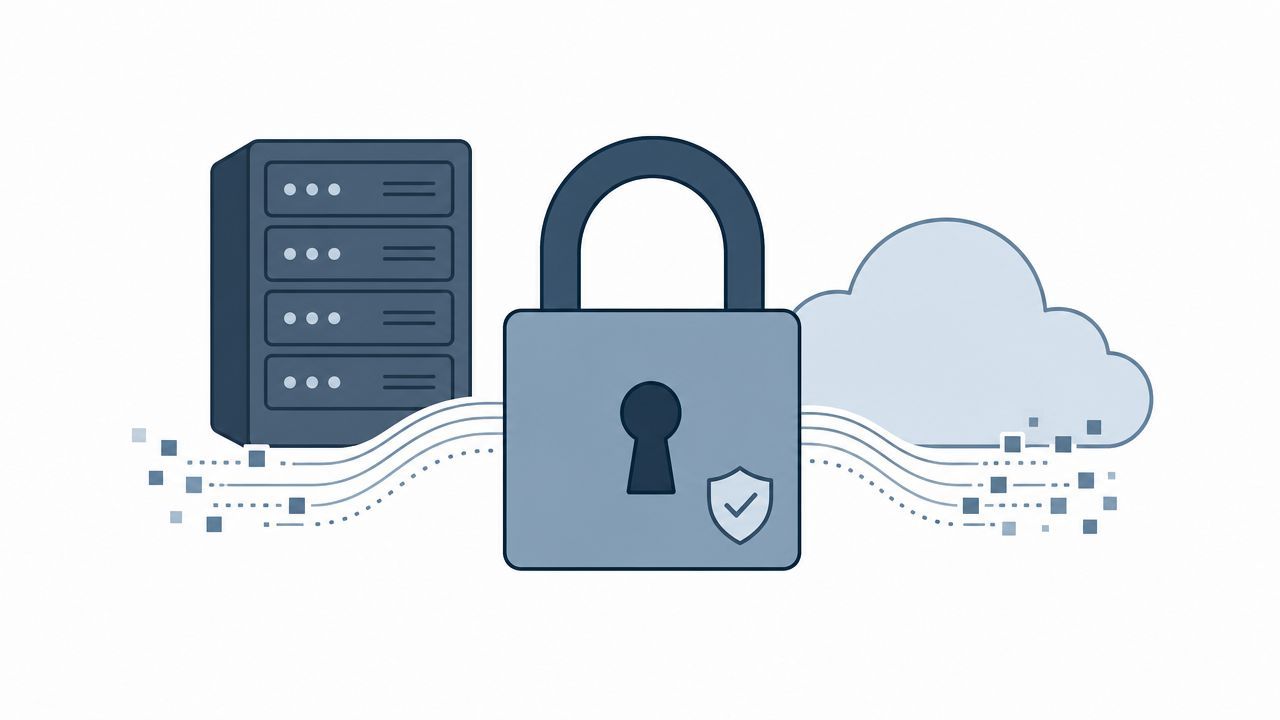
A common failure pattern is partial coverage. Teams turn on encryption in the main application, then overlook the copies created by daily work. PHI spreads through emailed attachments, desktop exports, synced OneDrive or Google Drive folders, USB devices, archived backups, and images stored on phones used for after-hours communication.
A workable rollout usually includes:
Cost and effort vary more than many owners expect. If your business already runs on Microsoft 365 Business Premium, Intune, and modern hardware, device encryption may take days, not months. If staff still use unmanaged personal devices, aging workstations, or ad hoc file shares, the project often expands into hardware refreshes, mobile device management, and policy changes. That is where budgets move from low internal effort to several thousand dollars in tools and consulting.
A clinic with 15 to 25 users can often tighten encryption controls in two to six weeks if someone owns the inventory and vendor review process. The trade-off is operational friction. Stronger controls can complicate password resets, device recovery, email workflows, and legacy application access. Those are manageable problems, but only if leadership plans for them.
If you are standardizing systems at the same time, this guide to SMB encryption strategy and implementation choices can help you map controls to real-world environments.
Set one rule and enforce it consistently. If a device, service, or workflow handles PHI, encryption should be verified, documented, and tested, not assumed.
Most privacy failures don't start with a dramatic breach. They start with ordinary over-access. Too many people can see too much data for too long.
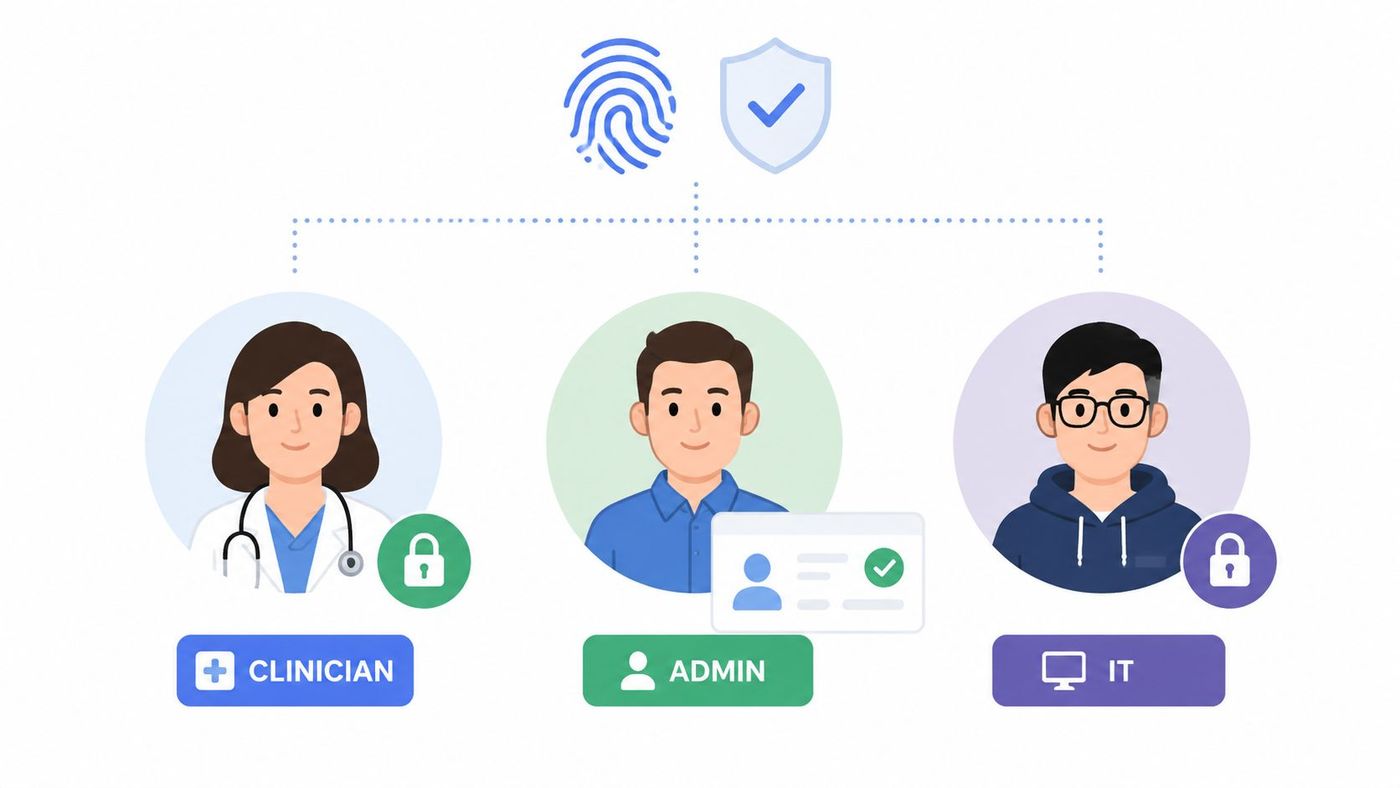
Your HIPAA compliance checklist should require unique user accounts, role-based permissions, strong authentication, emergency access procedures, automatic session controls, and logging. In a well-run SMB, staff should access only the minimum information they need to do their jobs.
Technology alone won't save you here. Department leaders have to define who needs what. IT then enforces that through Microsoft Entra ID, Google Workspace, line-of-business applications, VPNs, and endpoint policies.
A common scenario is a multi-site clinic where front-desk staff, billing staff, clinicians, and outsourced IT all use the same systems differently. If those roles aren't separated, people accumulate access over time and nobody notices until there's a complaint or an audit trail review.
The trade-off is usability. Staff will push back if sign-ins feel clumsy. But that usually signals a design problem, not a reason to lower security. Good identity design reduces friction for approved users while raising barriers for everyone else.
OCR enforcement actions routinely trace back to vendor oversight. For SMBs, that usually means a simple problem with expensive consequences: PHI entered a tool, service, or support workflow before anyone confirmed whether the vendor would sign a Business Associate Agreement.
Any vendor that creates, receives, maintains, or transmits PHI on your behalf belongs in this review. That can include cloud hosting, backup providers, managed IT, billing support, consultants, transcription services, scheduling platforms, analytics tools, and messaging vendors. If the vendor will not sign a BAA, keep PHI out of that system. There is no shortcut around that decision.
The practical challenge is scale. Smaller healthcare organizations often add software one department at a time, and vendor review lags behind operations. A front desk manager may adopt a scheduling app to solve a real workflow problem. A physician group may start using a file-sharing tool because referral coordination is slow. By the time leadership finds it, PHI is already in the platform and replacing it costs more than the original purchase.
A signed document is only the start. The business question is whether the vendor can support your obligations in day-to-day operations.
Review what data the vendor touches, where it is stored, which subcontractors or subprocessors are involved, how incident reporting works, and how data is returned or destroyed at termination. Ask who has administrative access on the vendor side and what logs you can get if you need to investigate a privacy or security event. These details determine whether the relationship is manageable or risky.
For most SMBs, a workable review process takes a few hours for a low-risk vendor and several days for a more complex system. Legal review may cost little if you use standard templates, or several hundred to a few thousand dollars if counsel has to negotiate terms. That effort is usually cheaper than migrating away from a noncompliant platform after staff adoption.
I advise clients to keep a live vendor register with four fields at minimum: BAA status, services provided, PHI involved, and renewal date. Pair that with owner accountability. Someone in operations, compliance, or IT should be responsible for revisiting each vendor before renewal, after a product change, or after an incident. Teams that already run staff awareness programs can fold vendor request steps into their employee cybersecurity training process so departments know not to buy first and ask later.
A missing BAA usually points to a broader operational gap. The vendor may lack clear breach procedures, may resist audit questions, or may not understand where PHI appears in its own product. That is the actual risk.
People need more than a policy manual. They need specific instructions that match their jobs.
HIPAA training should cover what PHI looks like in daily work, how staff report incidents, what secure communication methods they must use, what they can't store locally, and how they verify requests for information. Contractors and temporary staff matter too, not just full-time employees.
What works for SMBs is a small set of clear policies backed by procedure documents for IT and compliance teams. What doesn't work is publishing a long document nobody reads and then assuming risk has been managed.
CloudOrbis has useful guidance on cybersecurity training for employees, and the same principle applies under HIPAA. Staff need repetition, examples, and accountability.
A practical training programme usually includes:
One overlooked issue is “shadow workflow” behaviour. Staff often create shortcuts because approved systems feel slow. They may text details, download records locally, or share documents through personal accounts. Training needs to address those habits directly, or the written policy won't match reality.
Audit controls are how an SMB proves HIPAA controls are working in real operations, not just on paper. If a staff member opens records they should not access, a vendor account starts pulling unusual volumes of data, or an administrator changes permissions after hours, logs are often the first reliable record.
HIPAA requires covered entities and business associates to record and examine activity in systems that contain or use ePHI. The HHS Security Rule summary outlines that expectation under audit controls and system activity review in HHS guidance on the HIPAA Security Rule.
Many SMBs turn logging on and stop there. I see this often in Microsoft 365, Google Workspace, EHR platforms, firewalls, and backup tools. Data exists, but nobody reviews it, triages alerts, or keeps evidence of what was checked. During an investigation, that gap matters.
A practical model is to centralise the logs that matter most, define what should trigger review, assign an owner, and keep a record of the outcome. For a small practice or healthcare services firm, that may be a daily review of critical alerts and a weekly review of admin activity. For a larger SMB with multiple locations or higher risk workflows, it may justify a managed SOC or SIEM with after-hours alerting.
Useful audit controls usually include:
Operational warning: A dashboard alone is not good evidence. Evidence is the alert, the assigned reviewer, the investigation notes, the resolution, and the retained record.
There is a real trade-off here. Full SIEM deployment can improve visibility, but it also adds cost, tuning work, and alert fatigue if the environment is small. Many SMBs start with native logging in core platforms plus a managed security provider. That often lands in the low four figures per month. A more mature SIEM setup can cost more and take 30 to 90 days to implement well, especially if log sources are messy or nobody has defined use cases.
The better question is not "How many logs can we collect?" It is "Which events would we need to investigate quickly, and who will do that work?" Start there, then build the monitoring stack to fit the business.
Every HIPAA compliance checklist needs a written plan for the day something goes wrong. Ransomware, misdirected email, stolen devices, compromised credentials, and vendor incidents all require a repeatable response.
That plan should define who leads, who investigates, who approves communications, how evidence is preserved, and how legal and regulatory obligations are tracked. For organisations operating in California or serving California residents, this gets stricter. State rules require notification to affected residents in the most expedient time possible and without unreasonable delay, and if a breach affects more than 500 California residents, the organisation must also notify the California Attorney General, as described in California-specific breach reporting guidance for HIPAA checklists.
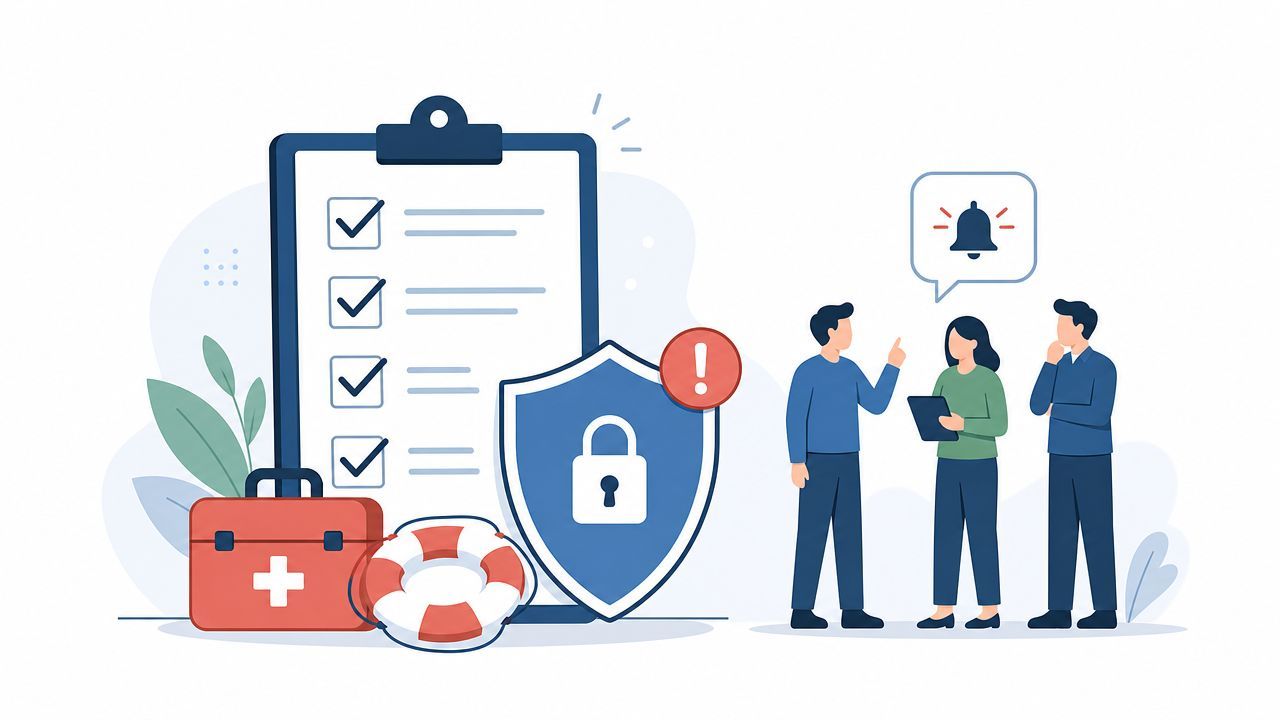
The best plans are short enough to use under stress. Include contact lists, escalation thresholds, draft notification templates, decision checkpoints, and instructions for preserving logs and affected devices.
A realistic scenario is a staff member clicking a phishing email that exposes mailbox contents. If your team has no decision tree, hours get lost in internal confusion. If the plan exists, IT can contain access, compliance can assess exposure, leadership can manage messaging, and outside counsel can be looped in quickly.
This is also where vendor clauses matter. If a partner detects suspicious access in their environment, you need a clear path for notification and joint investigation.
Security testing catches the gap between the controls you documented and the systems your staff and vendors use. In smaller healthcare organizations, that gap often shows up after a firewall change, a rushed software rollout, or a new remote access tool that never made it into the security review.
For an SMB, regular testing usually means a mix of automated vulnerability scans, manual validation, and periodic penetration testing based on risk. A basic external and internal scanning program may cost a few hundred to a few thousand dollars per month, depending on scope and whether a managed provider handles it. A focused annual penetration test often costs more, but it can reveal exposed admin portals, weak authentication paths, and cloud misconfigurations that scanners miss.
A narrow test scope is one of the most common implementation problems I see. Teams scan the primary network and call it done, while patient portals, VPN appliances, Microsoft 365 configurations, backup platforms, copier web consoles, and specialty medical applications sit outside the review cycle.
A better approach is to build the testing plan from your actual attack surface and your highest-value PHI workflows.
Good testing should cover:
If you need a clearer sense of scope and deliverables, CloudOrbis explains what is typically included in penetration testing services for healthcare and SMB environments.
The trade-off is straightforward. Broader testing costs more and takes staff time to support. Limited testing costs less up front, but it leaves blind spots that tend to surface at the worst time, during an incident, an audit, or a vendor security review.
Set a cadence your team can sustain. Quarterly vulnerability scans are a practical baseline for many SMBs. Penetration testing is often done annually, after major infrastructure changes, or before launching a new portal or cloud application. OCR guidance on the Security Rule at HHS.gov is a useful reference point, but the real test is whether your process finds problems early enough to reduce risk before PHI is exposed.
Old data has a way of lingering in the wrong places. Decommissioned laptops, paper files, external drives, retired servers, copier hard drives, and backup media all create risk if disposal is informal.
A secure disposal process should cover paper and electronic records, chain of custody, approved destruction methods, and retained proof when outside vendors are used. This is one of the least glamorous parts of HIPAA, but it's one of the easiest places to fail.
An SMB might do a solid job securing production systems, then store retired devices in a back room for months. That's not harmless inventory. It's unmanaged PHI risk.
A disciplined disposal process should include:
One practical example is office multifunction printers. Teams often forget these devices can store document images locally. If the machine is returned at lease end without proper handling, disposal risk moves outside your walls.
HIPAA isn't only about confidentiality. Availability matters too. If you can't recover patient data after ransomware, a cloud outage, accidental deletion, or system failure, you haven't protected it.
Backups should be encrypted, access-controlled, tested for restoration, and governed by the same retention and disposal thinking as your production data. Consequently, many organisations realise they have backups, but not recoverability.
Authoritative guidance on HIPAA checklists often misses the operational question of what compliance evidence looks like day to day. One of the biggest gaps is turning written controls into ongoing evidence collection, audit trails, and continuous review across distributed tools and vendors, as highlighted in guidance on the gap between checklists and ongoing HIPAA proof.
That's why recovery testing matters. A backup console showing green status is useful, but it isn't enough by itself.
Use a recovery plan that includes:
CloudOrbis has a practical data backup and recovery guide that aligns well with this operational approach. In real environments, the strongest backup design is often the simplest one that staff can test, document, and repeat.
| Measure | Implementation complexity | Resource requirements | Expected outcomes | Ideal use cases | Key advantages |
|---|---|---|---|---|---|
| Conduct a Comprehensive HIPAA Risk Assessment and Documentation | High (30–60 days) | Compliance team, IT, possibly external consultants; moderate cost | Baseline compliance posture; prioritized remediation plan | New HIPAA program, pre-audit, major changes | Identifies gaps; documents due diligence |
| Implement Encryption for Data at Rest and in Transit | Medium‑High (4–12 weeks) | Security architects, KMS, encryption tools; moderate–high cost | Data unreadable if compromised; reduced breach liability | Systems storing/transmitting PHI, cloud deployments | Strong protection for stolen/compromised media |
| Establish and Enforce Access Controls and User Authentication | Medium (6–10 weeks) | Identity specialists, IAM tooling, licensing; ongoing admin | Restricted PHI access; audit trails | Multi‑user systems, cloud apps, clinician portals | Prevents unauthorized access; improves auditing |
| Create and Maintain Business Associate Agreements (BAAs) | Low‑Medium (per vendor 2–4 weeks) | Legal counsel, vendor management, procurement | Legal risk transfer; documented vendor obligations | Third‑party cloud, IT, consultants handling PHI | Clarifies responsibilities; legal recourse |
| Develop and Implement Workforce Security Policies and Training | Low (immediate → 4–6 weeks for platform) | Compliance, training platform, coordinators; annual costs | Better staff awareness; reduced human error | All staff onboarding, high‑risk roles | Reduces phishing and accidental disclosures |
| Establish Comprehensive Audit Controls and Monitoring Systems | High (8–12 weeks) | SIEM/SOC staff, logging infrastructure; high cost | Real‑time detection; forensic evidence | Large environments, high PHI volumes | Detects insider/external threats quickly |
| Implement Incident Response Plan and Breach Notification Procedures | Medium (2–4 weeks plan) | Security, legal, PR, forensic partners; occasional costs | Faster containment; compliant notifications | Organizations requiring regulatory readiness | Minimizes impact; documents response efforts |
| Conduct Regular Security Testing and Vulnerability Assessments | Medium (ongoing; 2–4 weeks per assessment) | Pentesters, scanners, remediation resources; annual budget | Discover and fix vulnerabilities; validated controls | Periodic security validation, major changes | Proactive vulnerability identification |
| Establish Secure Data Disposal and Media Management Procedures | Low (1–2 weeks policy) | Facilities, certified destruction vendors; per‑event costs | Mitigates data leakage from disposed media | Decommissioning devices, document disposal | Prevents data recovery from retired media |
| Data Backup, Retention, and Recovery Planning | Medium (2–6 weeks + testing) | Backup admins, encrypted storage, vendors; variable cost | Recoverability after incidents; availability of PHI | Ransomware resilience, disaster recovery | Ensures availability; supports rapid recovery |
A HIPAA compliance checklist is useful only if it changes day-to-day operations. That's the gap many organisations struggle with. They can produce policies, list controls, and point to vendor contracts, but they can't always show how compliance is maintained across users, devices, locations, and third-party tools.
That's why leaders should think in layers. Start with risk analysis and data mapping. Tighten access. Encrypt what matters. Review vendors. Build retained evidence. Practise incident response. Test recovery. Those actions create a programme that can withstand staff turnover, tool changes, and security events.
For organisations serving California residents, the risk picture can get even more complex. California's Medical Information Act has applied to health care providers, health plans, and contractors since 1981, creates confidentiality duties separate from HIPAA, and gives residents a private right of action for negligent release of medical information. Statutory damages can reach $1,000 per violation, which is why documentation, access control, and breach response need close attention in environments handling California patient data, as explained in California HIPAA and CMIA guidance.
For SMBs, the main challenge isn't knowing that HIPAA exists. It's allocating enough time, internal ownership, and technical maturity to keep controls working. Teams usually underestimate the operational side. Log reviews get skipped. Access reviews lag. New tools get added without contract review. Training becomes annual theatre instead of practical reinforcement.
The way forward is to reduce ambiguity. Assign owners. Define evidence. Put reviews on the calendar. Build workflows that your team can maintain without heroics. If you outsource parts of the programme, make sure the provider supports documentation, monitoring, and remediation, not just ticket resolution.
CloudOrbis Inc. is one relevant option for organisations that need managed IT, cybersecurity support, backup planning, and strategic guidance while building a more defensible HIPAA posture. The right partner should help you move from box-checking to operational discipline.
If your business handles U.S. patient data and you're not confident in your risk analysis, vendor controls, backup recoverability, or audit evidence, now is the time to close those gaps. HIPAA compliance isn't a finish line. It's an operating model.
If you need help turning policy into working controls, contact CloudOrbis Inc. to review your HIPAA readiness, strengthen your security operations, and build a compliance programme your team can maintain.
Book a 30-minute call with a senior engineer. No sales script, just straight answers about your environment.


