Best Mobile Device Management: Top Tools for SMBs in 2026
Find the best mobile device management solution for your SMB. Our 2026 guide compares the top 10 tools on security and compliance.

Find the best mobile device management solution for your SMB. Our 2026 guide compares the top 10 tools on security and compliance.

Your mobile fleet probably lives in three places at once right now, company phones in employees' pockets, laptops in backpacks, and a few personal devices that should never have had access to sensitive data without guardrails. For Canadian SMBs in healthcare, finance, legal, and field operations, that mix turns device management into a business continuity issue, not just an IT chore. The best mobile device management platforms help you enforce policy, isolate risk, and keep work moving when a phone goes missing, a laptop needs to be wiped, or an employee changes roles. If you want the broader market context behind why MDM matters now, the move toward always-on IT is part of the same shift described in always-on IT infrastructure trends.
CloudOrbis is the strongest fit for Canadian leaders who want MDM as part of a managed service, not another console to babysit. Its value is the operating model. Instead of buying a tool and hoping internal staff can keep up with policy drift, enrollment issues, and user support, CloudOrbis combines infrastructure, cybersecurity, backup and disaster recovery, Microsoft 365 optimisation, and 24/7 Canada-based support in one service stack. For SMBs that need secure mobility without adding more tickets to an already stretched team, that matters.

The biggest strength here is the end-to-end delivery model. CloudOrbis does not position mobility in isolation. It treats device management as part of broader IT infrastructure, which is exactly how most Canadian firms experience it in practice, through identity, access, Microsoft 365 workflows, backup, support escalation, and compliance pressure. The company's 10-step engagement model, from assessment through ongoing optimisation, gives leaders a structured path instead of a messy one-off rollout.
Practical rule: if your team cannot explain who enrols devices, who enforces policy, and who handles remote wipe at 2 a.m., you need a managed model, not just software.
CloudOrbis is also a good match for regulated or operationally critical sectors, including healthcare, logistics, manufacturing, construction, education, legal, and finance. Those environments usually need fewer moving parts, clearer accountability, and faster issue resolution than a do-it-yourself stack can provide.
The main limitation is scope. CloudOrbis is Canada-focused, which is a strength for local governance and support, but it may be less suitable for organisations with large global footprints. Pricing and package boundaries are not public, so buyers will need a discovery call to understand fit and cost. That said, for Canadian businesses that want a fully managed path to device security and lifecycle control, this is the most operationally complete option on the list.
Microsoft Intune fits companies that already work inside Microsoft 365, Entra ID, and Windows-first workflows. It gives you a cloud-native way to manage devices and apps across Windows, iOS/iPadOS, Android, and macOS, while tying policy enforcement into Microsoft identity and access controls. That is a big reason it appears so often in searches for the best mobile device management, even when the actual need is broader endpoint governance.
The strongest case for Intune is how well it fits a Microsoft stack. If staff already sign into Microsoft 365 every day, the learning curve is lower than with a separate mobile platform, and IT can keep device policy closer to the systems users already know. The trade-off is that non-Microsoft environments often need more connector work and more careful configuration, especially if your team expects everything to connect with minimal tuning.
Intune works best as a control layer for organisations that have already standardised on Microsoft. That makes it a practical fit for many Canadian SMBs, especially those that want predictable licensing and a single vendor relationship for productivity tools and endpoint policy. It also aligns well with teams that are trying to reduce tool sprawl without giving up identity-based controls.
For more context on how this fits into a Microsoft security stack, see CloudOrbis's Microsoft 365 security guidance for Calgary businesses.
For teams that also manage mixed infrastructure, it helps to compare Intune against platform-specific options. If you are evaluating broader device control alongside other ecosystems, managing mobile devices on Cisco is a useful reference point for understanding where Microsoft-centric management is enough and where a different stack may suit the environment better.
Intune makes the most sense when you want unified control without adding another management silo. For Canadian SMBs that already depend on Microsoft services, it can reduce friction in day-to-day administration while keeping access policy tied to business identity and risk.
Omnissa Workspace ONE UEM is the heavyweight choice for companies that have outgrown simple mobile admin and now need a single control plane for diverse endpoints. It covers Windows, macOS, iOS/iPadOS, Android, Linux, ChromeOS, and Windows Server in one console, which makes it a serious option for larger distributed environments, frontline operations, and organisations that mix traditional endpoints with rugged devices.
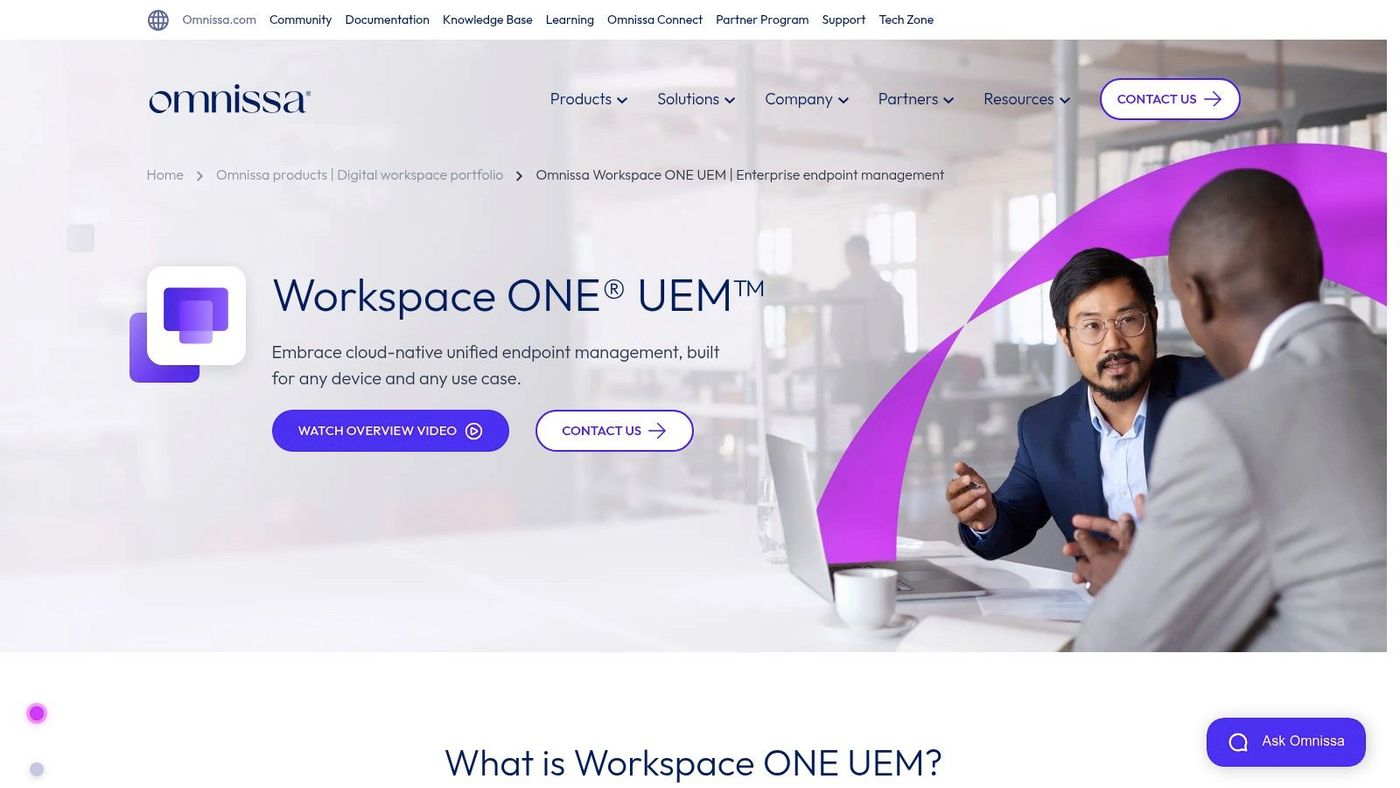
The platform is built for breadth. Its Intelligent Hub app supports enrollment and self-service, while the broader platform aims to unify policy, app lifecycle, and digital employee experience. For IT teams that manage multiple OS families and want strong API support, that breadth can reduce tool sprawl and create cleaner operating processes.
Workspace ONE rewards mature IT teams. If your organisation wants deep control and has the staffing to run it well, it can be very effective. If your team wants a quick, lightweight rollout, it may feel like too much platform.
The enterprise focus comes with complexity. Procurement usually runs through Omnissa or a partner, and buyers should expect a more formal evaluation process than they would with SMB-oriented tools. That complexity is not a flaw if you need it. It becomes a problem if your fleet is small, your policy needs are modest, or your team lacks the time to operationalise a complex console.
For Canadian firms with rugged fleets, mixed operating systems, or a need to coordinate endpoints and servers from one place, Workspace ONE deserves a close look. For simpler environments, it may be more platform than you need.
Jamf Pro is the Apple specialist on this list, and that specialisation is exactly why many organisations choose it. If your company is mostly Mac, iPhone, iPad, and Apple TV, Jamf Pro gives you the deep Apple configuration and compliance control that general UEMs often approximate but do not quite match. It is the kind of platform IT admins use when Apple devices are central to productivity, design, or executive workflows.
Jamf's strengths are maturity, documentation, and Apple-specific depth. The platform supports advanced macOS and iOS workflows, app deployment, and compliance processes, and it integrates with identity and security stacks, including Microsoft 365. That makes it easier for Canadian SMBs that use Apple endpoints but still rely on Microsoft for collaboration and identity.
The best fit is obvious. Apple-centric businesses that want a mature admin tool and strong vendor support will get more value from Jamf Pro than from a broader but shallower UEM. The main drawback is equally clear, mixed OS fleets may need a second tool. Pricing is also not public, so buyers need to engage sales before they can compare total cost.
For teams that want to manage application permissions and Apple device behaviour more confidently, CloudOrbis's iPhone application permissions guidance is a useful companion read.
Jamf Pro works when Apple is the standard, not the exception. If that describes your environment, it belongs near the top of your shortlist.
Kandji appeals to teams that want Apple device management with strong automation and fast time to value. It is cloud-hosted, Apple-first, and built around opinionated workflows that reduce the amount of manual policy work your IT staff has to do. For regulated Apple fleets, that can be a real advantage because consistency matters more than endless customisation.
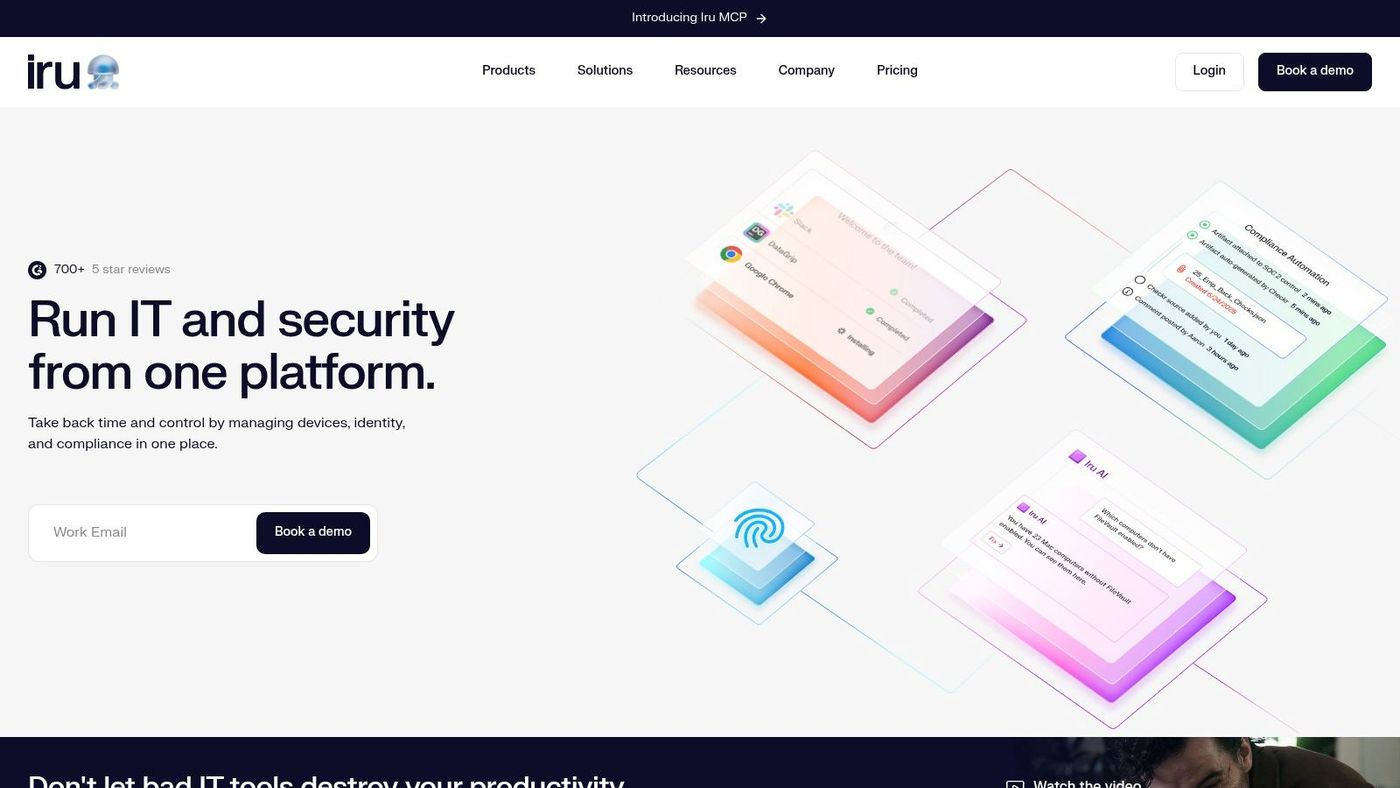
Kandji's macOS agent supports deeper remediation and posture enforcement, and its support for Apple Declarative Device Management helps it stay aligned with Apple's evolving management model. The platform's Blueprints approach is also useful for teams that want standardised builds without spending hours handcrafting each device profile.
Kandji is a strong option if your priority is speed, enforcement, and repeatability rather than cross-platform breadth. That makes it appealing for businesses that run mostly Apple hardware and want clean onboarding with fewer admin decisions. It also suits teams that see device management as a security control, not just an inventory exercise.
The trade-off is scope. Kandji is still Apple-first, so mixed fleets will often require another management layer. Public pricing is not listed, which can slow the procurement process for SMBs trying to compare options quickly.
For Canadian organisations with Apple-heavy teams and strong compliance expectations, Kandji often lands in the sweet spot between simplicity and control. It is not the broadest tool, but it is one of the more disciplined ones.
SOTI MobiControl is a natural fit for Canadian organisations that manage rugged, frontline, and purpose-built mobile devices. Logistics, manufacturing, and field service teams often care less about shiny admin dashboards and more about remote control, kiosk lockdown, content distribution, and reliable operation at scale. That is where SOTI earns its place.
SOTI's own platform positioning emphasises mobile-first business operations, and the product supports a broad mix of Android, Apple, Linux, and Windows environments. It also offers private per-customer cloud deployments, which is important for organisations that want stronger control over hosting and tenancy. For Canadian buyers, the domestic vendor presence is also a confidence signal.
SOTI XTreme and XTreme Hub are designed for faster content distribution at scale. That matters when workers are spread across sites, vehicles, warehouses, or remote facilities and need updates without disrupting operations. The platform also includes remote control tooling that can save a helpdesk call from becoming a site visit.
Operational insight: frontline mobility breaks when rollout speed, not policy design, becomes the bottleneck. Tools built for large, distributed fleets handle that better than generic mobile managers.
The trade-off is usability and complexity. SOTI can feel enterprise-heavy for small fleets, and pricing is quote-based. That means smaller organisations may get more platform than they can realistically operationalise. For larger Canadian SMBs with device-intensive operations, though, it remains one of the most credible options in the market.
BlackBerry UEM is the choice for organisations that care about security posture, deployment flexibility, and data sovereignty. It offers cloud, on-prem, air-gapped, and sovereign cloud options, which makes it especially relevant for regulated industries and public-sector-adjacent environments. In Canada, that flexibility carries real weight when buyers need governance to match policy requirements.
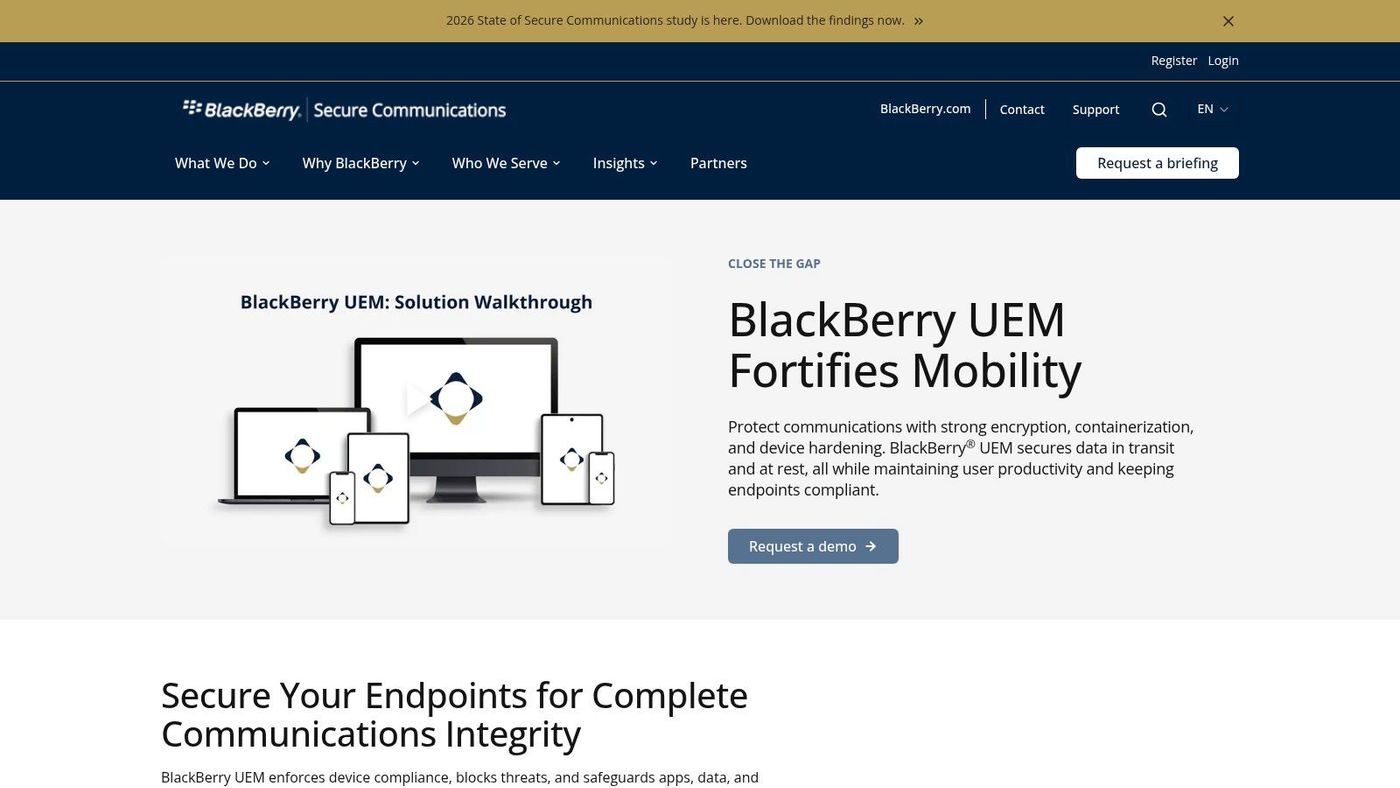
The platform combines device, app, and content management with compliance controls. It also integrates with Microsoft 365 and BlackBerry Dynamics secure container apps, which helps it fit into environments where work data must stay separated from personal use and where administrators want tighter control over access paths.
BlackBerry's strength is not just heritage, it is deployment choice. Some organisations need a cloud service. Others need on-prem or air-gapped control. Few tools offer that spread cleanly, and even fewer have BlackBerry's brand recognition in secure communications.
The limitation is that BlackBerry UEM can be more than many SMBs need. It is often enterprise-oriented, and pricing usually requires a sales conversation. For smaller firms, that can make evaluation feel heavier than the actual mobility problem.
Still, if your organisation has a security-first mandate, especially where sovereignty or regulated workflows are central, BlackBerry UEM stays relevant for good reason. It is built for governance, not convenience alone.
IBM Security MaaS360 is a strong contender for teams that want policy-driven UEM with IBM ecosystem alignment. It supports device, app, and content management across operating systems, and it adds embedded threat insights and compliance dashboards for organisations that need more than baseline mobile control. That makes it a sensible option for mixed fleets with governance requirements.
IBM documents its editions clearly, which helps during evaluation. Clear packaging matters because many MDM products hide useful capabilities behind sales conversations. MaaS360 gives buyers a better starting point for comparing fit, especially if they already use IBM security tooling and want closer alignment across the stack.
For teams thinking about endpoint visibility more broadly, CloudOrbis's explanation of endpoint detection and response pairs well with MaaS360's security-led positioning.
MaaS360 works best when compliance reporting, inventory control, and security integration matter more than having the newest interface. It is broad, capable, and well documented. The downside is that the user experience can feel less modern than newer specialists, and public per-device pricing is not consistently visible.
That makes MaaS360 a practical choice for organisations that value stability and policy depth. If your IT team is already invested in IBM tools, it can reduce friction. If you are shopping mainly on ease of use, it may not be the most attractive first stop.
Cisco Meraki Systems Manager is a practical fit for organisations already invested in the Meraki and Cisco security ecosystem. Its value is broader than mobile control alone. It connects device management with networking and access control, which can reduce friction for IT teams that want fewer vendor silos and clearer operational accountability.
The Meraki dashboard will already feel familiar to network teams, so day-to-day administration is easier for organisations running Cisco infrastructure. The documented integration with Cisco ISE is especially relevant for network access control and a stronger zero-trust posture, because it ties device state to access decisions rather than treating endpoints as isolated objects. That same approach supports your zero-trust security model by making access depend on device condition, not just user identity.
If your network team already trusts the Meraki dashboard, Systems Manager can reduce tool sprawl without forcing admins to learn a completely different operating model.
Cisco's trade-off is transparency. Pricing is usually channel-based, so buyers do not always get the same clarity they may find with more SMB-oriented vendors. Advanced Apple workflows can also feel less granular than what Apple-specialist tools provide.
For Canadian SMBs already standardised on Cisco networking, though, the platform is efficient. It keeps device management close to the infrastructure layer, which is often where it belongs in mature environments. If your security strategy already centres on Cisco, Systems Manager deserves serious consideration.
ManageEngine Mobile Device Manager Plus is one of the clearest SMB-friendly options on the list. It supports iOS/iPadOS, Android, Windows, and macOS, and it gives smaller IT teams the controls they usually care about most, kiosk mode, BYOD support, app catalog access, remote wipe, and containerisation. For buyers who want breadth without a heavy implementation burden, that combination is attractive.
Its deployment flexibility matters. You can run it on-prem or as SaaS, which gives Canadian organisations a choice between local control and operational simplicity. The device-based licensing model also tends to be easier for smaller teams to reason about than more complex user-based structures.
For BYOD-heavy companies, it pairs well with CloudOrbis's BYOD policy guidance, because the policy side matters as much as the software side.
ManageEngine is popular because it maps well to what smaller businesses need, rather than overbuilding for massive enterprises. It gives you enough control to secure mobile devices and standardise app delivery, without forcing your IT staff into a complicated operating model.
The downside is polish. The interface can feel less refined than higher-end enterprise platforms, and pricing visibility varies by region. If you want a practical, cost-conscious platform with a wide feature set, though, it remains one of the best-value candidates to review.
| Product | Target audience | Core features | Key strengths / USP | Deployment & pricing |
|---|---|---|---|---|
| CloudOrbis, IT Infrastructure | Canadian SMBs in regulated sectors (healthcare, finance, legal, logistics) | End-to-end managed infra, hybrid/cloud migrations, MS365/Dynamics tuning, backup & DR, 24/7 Canada-based helpdesk | 10-step engagement, one-click “IT Button”, local compliance expertise, fully-managed service | Fully managed service; Canada-focused; custom quotes after discovery |
| Microsoft Intune (UEM) | Microsoft 365-centric organizations (SMB → enterprise) | Cross-platform MDM/MAM, Conditional Access via Entra ID, modular add-ons (Remote Help, EPM, Analytics) | Deep MS365/Entra integration; predictable per-user licensing; minimal extra agents | Cloud-native; per-user licensing (E3/E5/EMS); add-ons may require extra fees |
| Omnissa Workspace ONE UEM | Large/global enterprises, rugged & diverse fleets | Broad OS coverage (Windows, macOS, iOS, Android, Linux, ChromeOS, servers), unified policies, API ecosystem | Mature platform for complex/global deployments; unified ops across device types | Cloud/partner deployments; enterprise pricing by quote |
| Jamf Pro | Apple-first organizations (macOS, iOS, iPadOS) | Advanced Apple-specific configs, app deployment, scripting, extensive docs | Deep Apple ecosystem alignment; mature admin tooling and frequent updates | Cloud or on-prem options; pricing via sales quote |
| Kandji | Regulated Apple fleets seeking automation | macOS agent, Apple DDM support, opinionated "Blueprints", automation-first workflows | Rapid time-to-value; continuous compliance & remediation automation | Cloud-hosted; demo/quote required |
| SOTI MobiControl | Rugged Android, frontline, logistics, manufacturing | Kiosk/lockdown, remote control, fast large-scale content distribution, private customer clouds | Strong for rugged/dedicated devices; Canadian HQ and compliance hosting options | Private/customer cloud or SaaS; partner-quoted pricing |
| BlackBerry UEM | Government, regulated industries requiring sovereignty | Device/app/content management, secure containers, on-prem/air-gapped/sovereign cloud options | Fed/DoD-grade security and flexible deployment models for data residency | On-prem, sovereign cloud or SaaS; enterprise pricing by quote |
| IBM Security MaaS360 | Mixed-fleet orgs needing clear policy & compliance reporting | Cross-OS device/app management, embedded threat insights, compliance dashboards | Integrates with IBM security stack; documented packaged editions | Cloud-based editions; pricing/tiers via IBM (often quoted) |
| Cisco Meraki Systems Manager | Organizations using Meraki networking and Cisco stack | Device/app/update management from Meraki dashboard, Cisco ISE integration, network-aware policies | Familiar Meraki UI; strong network & NAC integrations for zero-trust | Cloud-managed; channel/partner pricing (quote-based) |
| ManageEngine Mobile Device Manager Plus | SMBs seeking cost-effective MDM | Device/app/content controls, BYOD support, kiosk, remote wipe; on-prem or SaaS | Competitive pricing and flexible deployment; feature-rich for SMBs | On-prem or cloud; device-based licensing and regional pricing pages |
Choosing from the best mobile device management tools is a good start, but the winning move is usually the operating model behind the tool. Canadian SMBs should begin with three decisions. Define your security policies, inventory every device you need to control, including BYOD and corporate assets, and plan how users will be told what changes on day one. That sequence keeps rollout from turning into a support mess.
The harder question is whether you want to run MDM yourself, share the load, or hand it over completely. A self-managed setup can work for lean IT teams with strong internal skills and a small, stable fleet. A co-managed model makes more sense when you want internal control but need outside help with enrolment, policy tuning, escalations, or lifecycle operations. A fully managed service is the cleanest choice when you need round-the-clock support, compliance discipline, and less dependence on a small internal team.
That is where CloudOrbis stands out for Canadian businesses. It combines infrastructure management, mobile governance, security, and support under one accountable service model, which reduces the number of vendors, handoffs, and blind spots you have to manage. For organisations in healthcare, finance, legal, manufacturing, logistics, and other regulated environments, that can be the difference between patchwork control and a reliable endpoint strategy.
The market signal backs up the urgency. Independent market research cited earlier places the global MDM market at USD 11.11 billion in 2026 with a projected rise to USD 26.04 billion by 2031, and another report places it at USD 13.5 billion in 2025 with a projection to exceed USD 35 billion by 2029. Those are global figures, not Canada-only, but they show that MDM is now a mainstream infrastructure category, not a niche add-on. For Canadian SMBs, the practical takeaway is simple. You do not need more device sprawl, you need a clear management model.
If your team is weighing self-managed versus fully managed mobile control, contact CloudOrbis to map your devices, policies, and support needs into a secure rollout plan that fits your business. For the technical side of integration and access control, a useful next read is gate access API.
A CTA for CloudOrbis Inc..
Book a 30-minute call with a senior engineer. No sales script, just straight answers about your environment.


