Windows Server 2012 R2 End of Life: Secure by 2026
Windows Server 2012 R2 end of life means urgent action. Learn 2026 security risks, compliance for Canadian SMBs, & upgrade options. Protect your business today.

Windows Server 2012 R2 end of life means urgent action. Learn 2026 security risks, compliance for Canadian SMBs, & upgrade options. Protect your business today.
If you're still running Windows Server 2012 R2, you're not dealing with a routine IT housekeeping item. You're carrying a business risk that already matured.
For many Canadian SMBs, this shows up in a familiar way. A line-of-business application still works. Staff can still log in. Nothing appears broken. So the server gets pushed down the priority list while leadership focuses on revenue, hiring, client service, and compliance. That logic is understandable. It's also dangerous.
The problem with windows server 2012 r2 end of life is that it creates silent exposure. Your systems may keep operating right up until the moment a security incident, compliance review, integration failure, or outage forces the issue. By then, the decision is no longer strategic. It's reactive, expensive, and disruptive.
For healthcare clinics, finance teams, legal practices, and other regulated organisations in Canada, that risk is even sharper. Unsupported infrastructure doesn't just increase security exposure. It weakens your compliance posture, limits your ability to adopt modern Microsoft tools, and makes every future change harder than it needs to be.
Windows Server 2012 R2 reached end of extended support on October 10, 2023, which means Microsoft stopped providing security updates, non-security updates, and technical support after that date, while Extended Security Updates remain available only until October 13, 2026 according to Microsoft's Windows Server 2012 R2 lifecycle notice.
It's similar to occupying a commercial building after the builder has stopped fixing locks, alarms, elevators, and structural defects. The doors still open. The lights still turn on. But when something critical fails, you're on your own.
That is what end of life means in practical terms. The server may still boot, authenticate users, and run applications. But the vendor no longer stands behind it in any meaningful way.
Once support ended, Microsoft stopped delivering several things businesses implicitly rely on:
For a CEO, the key point is simple. You are now accepting avoidable risk every day the server remains in production without a proper transition plan.
Practical rule: If a core server is no longer supported by the vendor, it should no longer be treated as normal operating infrastructure.
Unsupported systems don't stay isolated. They touch identity, file access, backups, remote work, Microsoft 365, business applications, and often your phone system or cloud integrations. One old server can drag down the resilience of your wider environment.
That becomes obvious when organisations try to layer modern tools onto legacy foundations. Authentication gets messy. Vendor support conversations get shorter. Security controls become harder to standardise. Recovery planning becomes more complicated.
If you need a second perspective on how outdated Microsoft platforms create operational and security exposure, Blowfish Technology's overview of unsupported Windows environments is worth a read. The same leadership principle applies here. Old software doesn't become safer because it's familiar.
This isn't the first time Canadian businesses have faced this problem. The same pattern showed up with older Microsoft server platforms, and the lessons still hold in this CloudOrbis article on Windows Server 2008 end of support. Delay feels cheaper until it isn't.
You don't need to know how IIS, RDP, or SMB work to make the right decision. You only need to recognise that an unsupported server is no longer a stable business asset. It's a liability.
The question isn't whether Windows Server 2012 R2 is still functioning. The primary concern is whether you want critical business operations resting on a platform Microsoft has already retired.
The security issue is bigger than "older software is less ideal." Unsupported servers become easier targets because attackers know they won't receive normal patching. That changes the economics of an attack.
According to Morphisec's analysis of legacy Windows server risk, post-EOL Windows Server 2012 R2 instances face over 1,000 unpatched CVEs, and unsupported Windows versions still accounted for an estimated 10% of servers globally as of late 2023. The same source notes that older platforms such as Windows 7 and Server 2008 R2 accumulated over 1,300 CVEs and were frequently exploited in major ransomware attacks.
That is why unsupported infrastructure stays attractive to cybercriminals. It offers known weaknesses, predictable gaps, and slower defensive response.
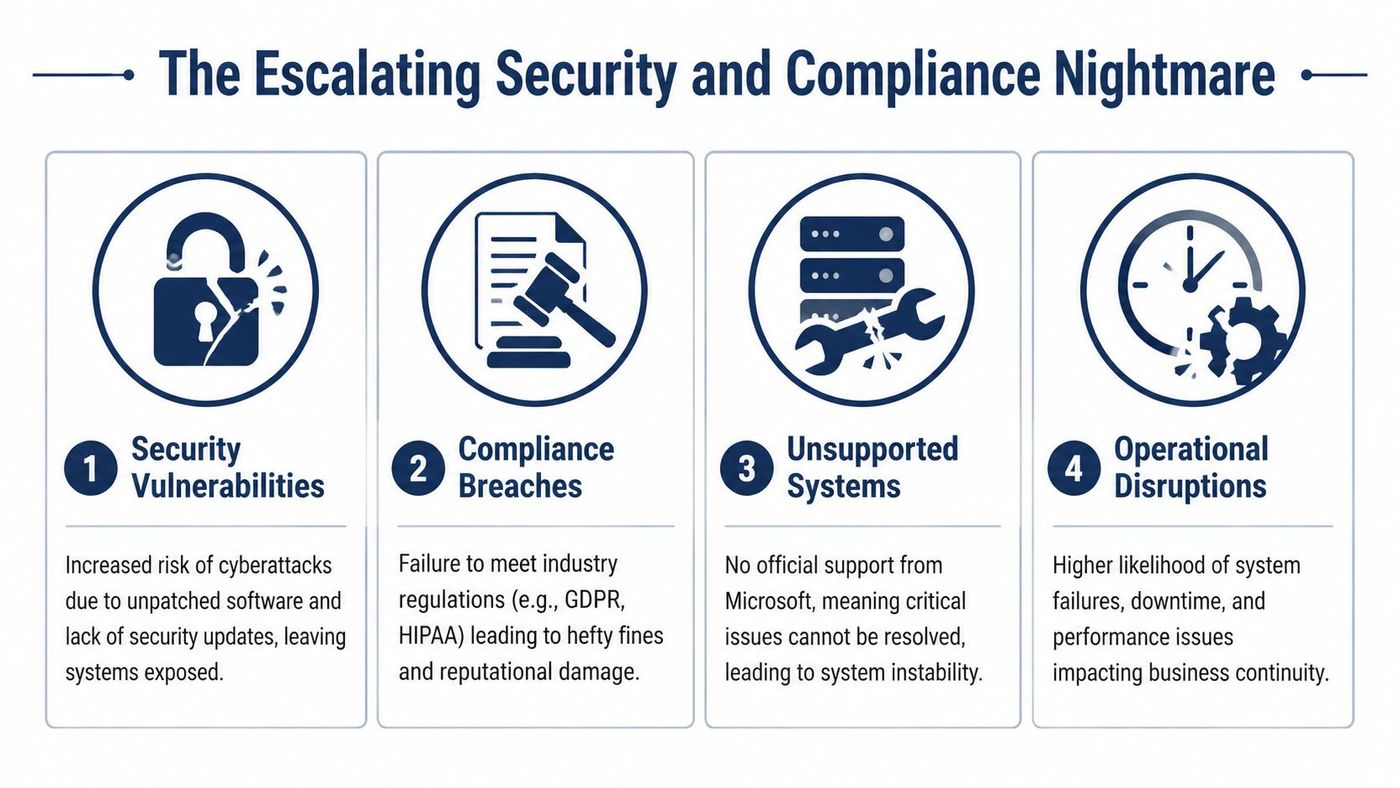
If you operate in healthcare, finance, legal, or any business that stores sensitive client or patient data, this issue moves quickly from technical debt to governance failure.
A clinic handling personal health information needs systems that support a defensible security posture under PHIPA. A legal firm managing confidential client files must show reasonable controls. A finance or accounting business holding sensitive personal information has similar exposure under PIPEDA. Running production workloads on an unsupported operating system makes that harder to justify.
Compliance isn't just about policies written in a binder. It's about whether your actual systems can be secured, patched, monitored, and supported in a credible way.
Many leaders assume the biggest risk is ransomware alone. In practice, the first pain point is often day-to-day friction.
You may see:
An unsupported server doesn't only increase breach risk. It also increases the odds that a normal IT issue becomes a business interruption.
The combination is what makes this a compliance nightmare. Security teams can't fully patch. Operations teams can't fully modernise. Leadership still owns the risk.
If you're still carrying Windows Server 2012 R2 anywhere in your environment, now is the time to tighten monitoring, review privileged access, and isolate exposure while you plan the move. That means treating the issue as part of your security programme, not just as an infrastructure refresh.
A strong starting point is reviewing what modern managed protection should include. This overview of managed cyber security services is useful if you need a practical benchmark for threat detection, vulnerability management, endpoint protection, and compliance support.
The hard truth is straightforward. In regulated industries, leaving Windows Server 2012 R2 in place without a defined exit path is no longer a conservative choice. It's a risk acceptance decision.
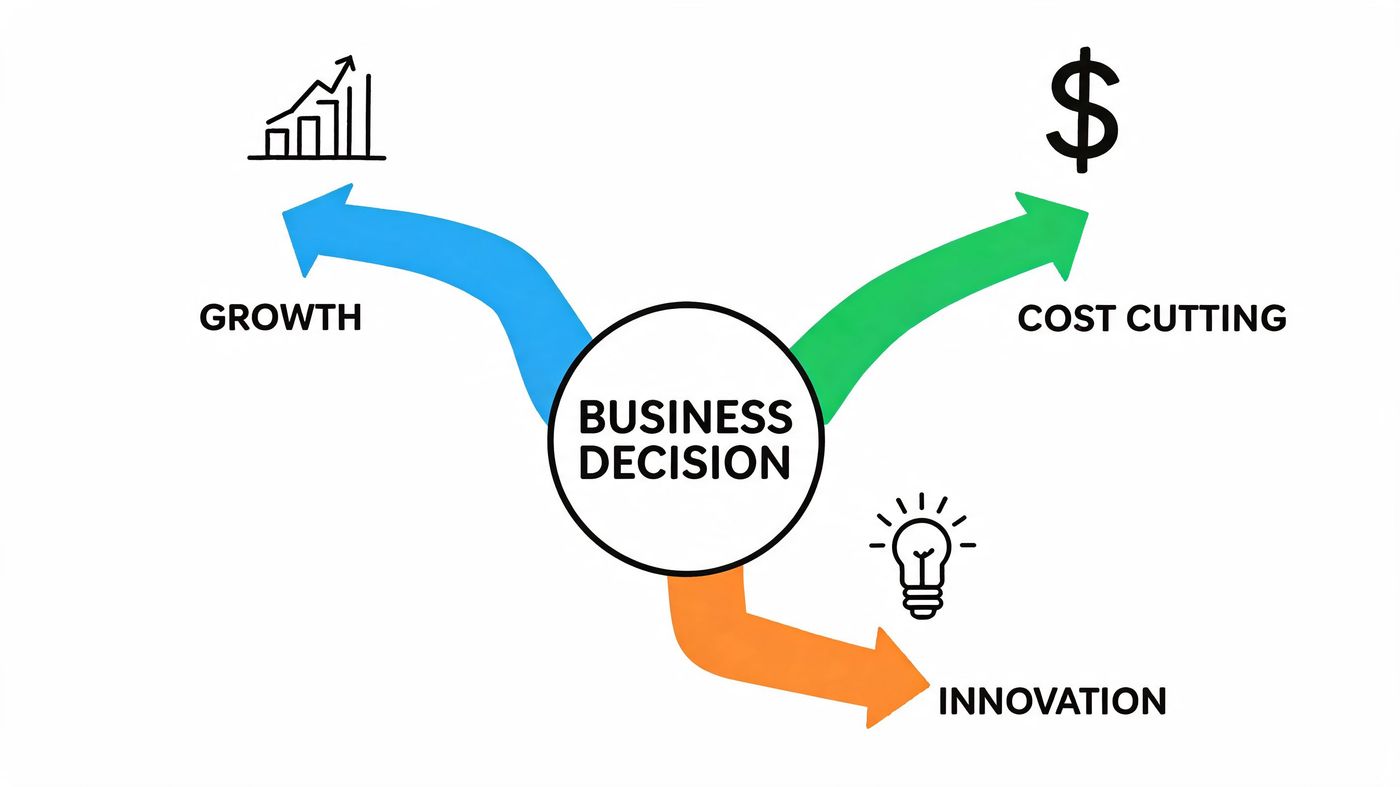
Once leadership accepts that the status quo is unsafe, the decision gets clearer. You have three real options. Upgrade on-premises, migrate to Azure, or use Extended Security Updates as a temporary bridge.
Each path solves a different problem. Only one should be treated as a long-term answer in most cases.
| Path | Best fit | Main advantage | Main drawback |
|---|---|---|---|
| In-place or replacement upgrade | Firms that need to keep certain workloads on-premises | Keeps local control and can support legacy operational needs | Requires planning around hardware, compatibility, and migration execution |
| Azure migration | Firms that want resilience, scalability, and closer alignment with Microsoft 365 | Strong long-term strategic value and cleaner modernisation path | Requires architecture work, workload assessment, and change management |
| ESUs | Firms that need short breathing room for a specific dependency | Buys time for a controlled transition | It's temporary, costly, and doesn't modernise anything |
According to Trusted Tech Team's review of Windows Server 2012 end-of-life mitigation, Extended Security Updates for on-premises servers start at about 10% of the Server 2022 licence cost and double annually until October 13, 2026. That same source notes ESUs only cover critical security patches, not non-security fixes, and that deployments on 2012 R2 have shown 25 to 35% higher authentication latency with Azure AD Connect due to unsupported protocol updates.
That tells you two things.
First, ESUs are a delay mechanism, not a strategy. Second, even if you pay for them, your server can still become a drag on modern workloads and user experience.
Use business criteria, not sentiment.
Ask these questions:
Executive lens: The right path is the one that reduces future risk, not the one that preserves yesterday's design.
For most Canadian SMBs, the strongest options are either a modern on-premises upgrade for local workloads or a move to Azure for broader resilience and growth. ESUs belong in the conversation only when there is a clear exit date and a documented reason for using them.
An on-premises upgrade can be the right move when you have valid reasons to keep workloads local. That may include application dependencies, operational latency requirements, plant-floor systems, or internal governance preferences. But it only works when leadership treats it as a real transformation project, not a weekend patch job.
A modern server upgrade usually means moving to a current Windows Server platform and reviewing the entire stack around it. Hardware, backup compatibility, identity services, application dependencies, disaster recovery, and licensing all come into play.
Start with the server's actual business role. Is it handling Active Directory, file services, line-of-business applications, print services, or a mix of everything? Many older environments have too much concentrated on one box, which makes migration riskier and recovery harder.
Then review these areas:
A modern server isn't just a newer version of the old one. It should be part of a stronger baseline.
That means evaluating:
A lot of failed upgrade projects start with a narrow assumption: install the new OS and everything else will sort itself out. It won't.
If you don't test line-of-business applications, backup jobs, and authentication flows before cutover, you're not managing risk. You're moving it to Monday morning.
Licensing should be discussed early, including whether options such as Azure Hybrid Benefit fit your roadmap. But don't let licence conversations dominate the strategy. The larger financial risk is unplanned disruption caused by rushed implementation or missed dependencies.
A useful leadership checkpoint is this. If your team can't clearly describe what will happen to every critical workload during the migration, the project isn't ready.
If your organisation is weighing timing, this guide on when the best time is for a server upgrade is a practical companion. The right time is usually before the old platform forces the issue, not after.
If your goal is to get off Windows Server 2012 R2 and avoid repeating the same problem in a few years, Azure is usually the stronger strategic choice.
This isn't just about moving a server to someone else's data centre. A well-planned Azure migration gives you a cleaner path to supported infrastructure, better alignment with Microsoft 365, more flexible recovery options, and room to scale without another hardware cycle driving the conversation.
A Canadian-specific cost comparison from HBS on Windows 2012 R2 end of life planning found that over three years, on-premises ESUs for a 10-core setup can cost about CAD $18,000, while a first-year migration to an Azure Arc-enabled hybrid environment averages about CAD $12,000. The same source reports a 35% reduction in downtime and notes 41% faster Microsoft 365 Copilot adoption on native Azure infrastructure.
That matters because many leaders still look at migration as the expensive option and ESUs as the budget option. In practice, managed migration can be the more rational spend if it reduces both downtime and future technical debt.
The strongest argument for Azure isn't the server itself. It's the operating model around it.
Azure can help you:
That makes a difference for regulated firms. Healthcare and legal organisations need stronger control over access, recovery, and audit readiness. Finance teams need reliability and cleaner identity integration. Azure doesn't solve those things automatically, but it gives you a better platform to design them properly.
Not every server should be lifted and shifted without analysis. Some applications need refactoring. Some should be replaced. Some can move quickly. Others belong in a hybrid design for a period of time.
A sensible migration sequence usually starts with:
A strong Azure migration isn't just a technical move. It's a chance to simplify an environment that has become too fragile and too expensive to defend.
If your team is considering this route, this article on Azure migration support for Calgary businesses is a useful starting point for evaluating the practical work involved.
If Windows Server 2012 R2 still exists in your environment, don't wait for the perfect moment. Build a short, disciplined action plan and start now.
Within the next few days, get clear on facts.
This first pass doesn't need to be elegant. It needs to be complete.
Once you know what's there, assign direction and ownership.
Use this checklist:
A disaster recovery plan becomes much more important during server transitions. If yours is outdated, use this IT disaster recovery plan template as a practical reference point.
Many organisations lose momentum at this point. Avoid that by forcing sequence.
| Phase | Leadership focus |
|---|---|
| Pilot | Validate one workload or server path before wider rollout |
| Rollout | Move critical systems in a controlled order with user communication |
| Verification | Confirm backups, access, application performance, and monitoring |
| Decommissioning | Retire legacy systems only after successful validation |
After the move, finish the job.
The biggest mistake isn't just delaying the migration. It's doing the migration and then leaving old risk behind.
Windows Server 2012 R2 is no longer a grey-area technology decision. It's a clear business risk. If that platform still supports critical operations in your organisation, leadership needs a plan with dates, ownership, and a preferred end state.
The right move depends on the workload. Some systems belong on a modern on-premises server. Others should move to Azure. A few may justify ESUs briefly while you untangle a dependency. But continuing without a defined transition path is the weakest option on the table.
For Canadian SMBs in healthcare, legal, finance, construction, manufacturing, and related sectors, this decision is about more than avoiding a breach. It's about protecting compliance posture, reducing outage risk, improving supportability, and making sure your Microsoft environment can keep up with how your business works.
You don't need more generic advice. You need an honest assessment of what's running, what it affects, what it costs to keep, and what the cleanest exit path looks like.
If you need that assessment, CloudOrbis Inc. can help you map your Windows Server 2012 R2 exposure, compare upgrade versus Azure migration options, and build a practical transition plan that reduces risk without creating unnecessary disruption.
Book a 30-minute call with a senior engineer. No sales script, just straight answers about your environment.

