Windows 365 for Business: Boost Security, IT & Hybrid Work
Windows 365 for business helps Canadian SMBs in regulated sectors improve security, streamline IT, & support hybrid work. Get costs & implementation.

Windows 365 for business helps Canadian SMBs in regulated sectors improve security, streamline IT, & support hybrid work. Get costs & implementation.
A lot of Canadian business owners are in the same spot right now. Staff work from the office, from home, from client sites, and sometimes from personal devices. The business still has to protect client data, keep systems available, and avoid turning every laptop refresh into a budget debate.
That gets harder in regulated sectors. A clinic has to think about patient information. A finance firm has to think about access control, auditability, and where data lives. A manufacturing company has to think about continuity when field staff, plant managers, and office teams all need dependable access to the same tools.
Windows 365 for business becomes useful. Not because it’s new, and not because Microsoft says it fits hybrid work, but because it changes where the Windows desktop lives and how IT manages it. Done properly, it can simplify support, tighten security, and make costs easier to predict in Canadian dollars.
A typical mid-sized business often ends up supporting three environments at once. There’s the office setup, the home setup, and the improvised setup that appears when someone’s main device fails or an employee uses a personal machine to get urgent work done.
That creates friction fast. IT has to patch endpoints, manage local storage risk, troubleshoot VPN issues, and answer the same question repeatedly: “Can I safely access my work from this device?” Business leaders see the result as downtime, delayed onboarding, inconsistent user experience, and hardware spending that never seems to settle down.
The network side matters too. If your team is already reviewing internet resilience, branch connectivity, and support boundaries, this overview of Premier Broadband managed IT guide is a helpful companion read because it frames the bigger infrastructure questions that sit behind any cloud desktop decision.
The traditional PC model assumes the device is the workplace. That worked better when most employees sat in one office, on company-owned hardware, behind one network perimeter.
It works less well when:
Businesses usually don’t struggle because they lack tools. They struggle because too much of the environment still depends on the condition of one physical device.
Most SMB leaders don’t want a complicated virtual desktop project. They want users to sign in, get their apps, access files securely, and keep working without IT rebuilding the desktop every time a laptop changes hands.
That’s the practical appeal of Windows 365. It shifts the Windows environment into the cloud so the business can manage the work experience separately from the device an employee happens to be using.
The simplest way to explain a Cloud PC is this. It’s like streaming a movie, except you’re streaming your full Windows desktop instead of video.
Microsoft launched Windows 365 Business in 2021 for small and mid-sized businesses, and it became generally available on August 3, 2021. It provides a fully managed Windows 11 desktop that users can access from any device, according to MSP Corp’s guide to Windows 365.

A lot of business owners first compare Windows 365 to remote desktop, VPN access, or logging into an office workstation from home. That comparison only goes so far.
A traditional remote access setup usually depends on a specific office PC or server environment being available and configured correctly. A Cloud PC is different because the user’s desktop is persistent. Their apps, settings, and files stay with that cloud-based machine instead of being tied to one physical endpoint.
That changes the user experience in a practical way:
Persistence is what makes Windows 365 feel more like a real PC and less like a temporary remote session. Users don’t have to rebuild their workspace every time they sign in somewhere new. Their business applications remain in the same environment, and the desktop state follows them.
For owners, that matters because user complaints often come from inconsistency, not from the cloud itself. If one employee has a powerful laptop, one has an ageing home PC, and one is using a tablet in a pinch, the business still wants the same business desktop available to all three.
Practical rule: If your team needs a familiar Windows experience from multiple devices, a persistent Cloud PC is usually easier to support than a patchwork of VPNs, personal laptops, and shared office workstations.
Windows 365 Business fits companies that want the benefits of virtual desktops without building a highly customised virtual desktop platform. That includes firms that need secure remote access, simplified onboarding, and cleaner separation between company data and employee hardware.
It’s especially useful when the business wants to:
| Business need | How Windows 365 helps |
|---|---|
| Hybrid work consistency | Users get the same Windows desktop from different devices |
| Faster onboarding | New users can be provisioned into a standard environment quickly |
| BYOD risk reduction | Business data stays in the Cloud PC rather than on the personal device |
| Easier desktop management | IT manages the cloud environment rather than chasing every endpoint issue |
The key point is simple. Windows 365 isn’t just a way to reach a PC remotely. It’s a way to make the desktop itself easier to govern.
When owners ask about cost, the right question isn’t “What’s the monthly licence?” It’s “What will this replace, and what hidden costs will it remove?”
Windows 365 Business is built around predictable per-user pricing. For the Canadian region, the basic configuration is CAD $44.80 per user per month and a higher-tier premium configuration is CAD $95.50 per user per month, as outlined in this managed cloud computing overview. That fixed subscription model is one of the main reasons SMBs look at Windows 365 Business before more complex virtual desktop options.
A monthly Cloud PC fee is easy to compare against a laptop lease or hardware purchase, but the broader business case usually comes from total cost of ownership.
The savings often appear in areas such as:
That doesn’t mean every deployment is automatically cost-effective. Poor sizing and weak planning can erase the benefit quickly.
Businesses in Calgary and Edmonton should be especially cautious about assuming any cloud migration will “just save money.” A 2025 IDC Canada report found that 55% of Calgary manufacturing SMBs exceeded cloud migration budgets by 30% in the first year due to unoptimized configurations, as discussed in this Windows 365 business case analysis.
That point matters beyond manufacturing. It tells you that cloud cost problems often come from design decisions, not from the platform itself.
The businesses that get value from Windows 365 usually right-size users first. They don’t hand every employee the same Cloud PC and hope it works out.
A practical licensing review usually starts by separating users into simple groups.
Standard information workers
These users spend most of their day in Outlook, Teams, Microsoft 365 Apps, web apps, and line-of-business tools. They usually fit the simpler Windows 365 Business model well.
Regulated knowledge workers
This group includes clinic staff, finance teams, and legal employees who need consistent policy enforcement and secure access from multiple locations. They may still fit Windows 365 Business, but only if governance and app requirements are assessed properly.
Power users
If someone runs heavier workloads or needs deeper customisation, fixed Business configurations can become restrictive. That’s where many firms discover they need a different architecture.
For SMBs, Windows 365 works best financially when you treat it as part of a broader desktop strategy, not a stand-alone licence purchase. Compare it against:
If you only compare subscription price to laptop sticker price, you’ll miss the operational side of the equation. If you only chase “cloud savings” without sizing users properly, you can overspend.
That’s why the business case for windows 365 for business is strongest when cost predictability, support simplification, and security control matter just as much as raw licence cost.
For a healthcare clinic, legal practice, or finance firm, convenience is never enough. The desktop has to support a defensible security posture and a compliance model that stands up under scrutiny.
That’s where Windows 365 becomes more interesting. The work environment lives in Microsoft’s cloud rather than on the local device. If a user signs in from a personal laptop, the endpoint is still important, but the business desktop, corporate apps, and controlled access point remain centralised.

Canadian organisations in regulated sectors usually care about three things at once. They need to control access, reduce local data sprawl, and document how systems are managed.
For healthcare providers, Microsoft’s sizing guidance explicitly recommends a 4vCPU/16GB RAM Windows 365 configuration for healthcare services, and notes that businesses with eligible Windows 11 Pro licences can use Windows Hybrid Benefit for up to 16% cost savings on subscriptions, according to Microsoft’s Windows 365 Business sizing guidance.
That recommendation is useful because compliance is not just a policy issue. It’s also an operational issue. If a Cloud PC is undersized, staff may look for workarounds. In healthcare, that can mean screenshots, local file copies, delayed charting, or staff using less controlled tools to keep work moving.
Windows 365 helps most when it is part of a controlled Microsoft environment. In practice, regulated businesses should focus on a few areas first:
A clinic in Alberta considering privacy obligations should also think beyond the desktop itself. This guide to an Alberta privacy impact assessment is useful context when mapping technology decisions to provincial privacy expectations.
A cloud desktop doesn’t make a business compliant by itself. It gives IT a more controllable place to enforce the rules that compliance depends on.
The most common mistake is assuming “Microsoft cloud” automatically equals “compliance solved.” It doesn’t.
What tends to work:
What tends not to work:
For healthcare, the operational requirement is continuity without losing control of patient information. For finance and legal teams, the concern is usually secure access, document handling, and consistent desktop policy across office and remote work.
That’s why windows 365 for business can be a strong fit in regulated sectors, but only when the business treats it as a security and governance project, not just a remote work tool. In that context, CloudOrbis Inc. is one option Canadian SMBs use for managed IT, compliance support, Microsoft 365 administration, and ongoing monitoring around these deployments.
Most business owners don’t ask for technical theory. They ask whether the desktop will feel responsive and whether their current connection can handle it.
For ordinary office work, Windows 365 usually performs well when the business has a stable, business-grade internet connection. Email, browser-based systems, Microsoft 365 Apps, and line-of-business tools are generally straightforward use cases.
The biggest performance issue is often not raw compute. It’s session quality.
A user will judge the experience based on:
For organisations reviewing branch and remote connectivity, this overview of network support services is relevant because Cloud PC performance still depends on a properly supported network edge.
Windows 365 Business includes outbound data allowances tied to RAM size. The documented allowances are 12 GB for 2 GB RAM, 20 GB for 4 GB and 8 GB RAM, 40 GB for 16 GB RAM, and 70 GB for 32 GB RAM, with standard networking charges applying beyond those thresholds, according to Microsoft information summarised in the earlier linked MSP resource.
For business owners, the practical point is cost visibility. If your users mainly work in Microsoft 365 Apps, web tools, and standard collaboration workloads, the included allowances are often easier to budget around than fully variable cloud consumption.
Before rollout, test from the places your team actually works. Office, home, guest Wi-Fi, and mobile hotspot performance can feel very different even when the same Cloud PC is in use.
A Cloud PC is not a magic fix for every use case. You should expect more planning if your team depends on unstable home internet, heavy media workflows, or specialised applications with unusual latency sensitivity.
The good news is that many businesses overestimate how powerful the local endpoint has to be. Because the Cloud PC handles the desktop workload, a lower-end local device can still provide a usable work experience if the connection is solid.
Windows 365 and Azure Virtual Desktop both deliver Windows desktops from Microsoft’s cloud, but they serve different operational models.
The easiest way to think about it is this. Windows 365 Business is the simpler, packaged option for SMBs that want predictable licensing and lighter administration. Azure Virtual Desktop gives more flexibility, but it expects more design, more management discipline, and more comfort with a deeper cloud platform.
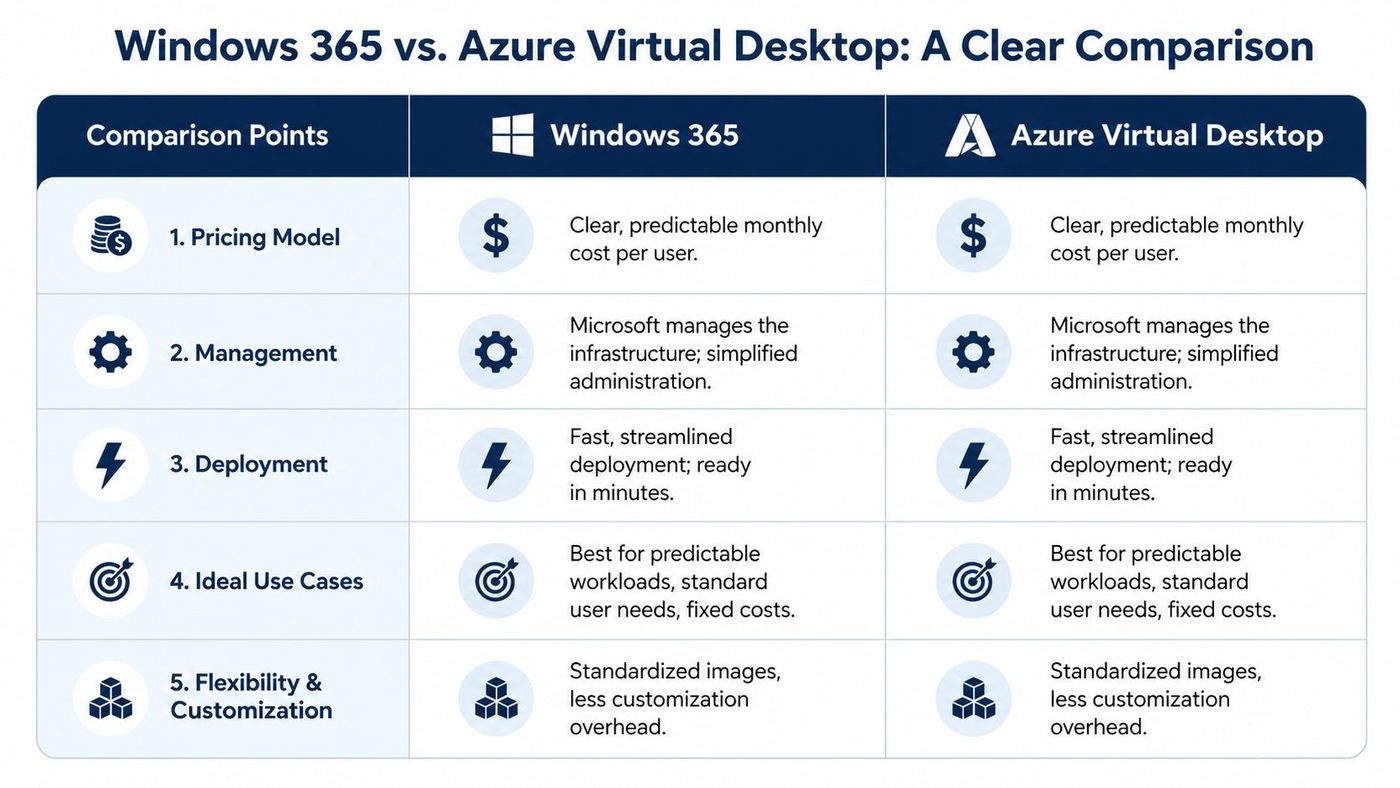
Microsoft’s comparison guidance states that Windows 365 Business is simplified for up to 300 users and managed through the Microsoft 365 admin centre, while Windows 365 Enterprise and Azure Virtual Desktop support unlimited scale and require more advanced management through Microsoft Intune, as outlined in Microsoft’s Business and Enterprise comparison.
For many business owners, that already answers the main question. If you want a cloud desktop without building a more involved virtual desktop operation, Windows 365 Business is usually the cleaner fit.
| Criterion | Windows 365 Business | Azure Virtual Desktop (AVD) |
|---|---|---|
| Pricing model | Fixed per-user subscription | More flexible, but less predictable in practice |
| Management | Simplified administration in Microsoft 365 admin centre | More advanced management and design overhead |
| Scale | Up to 300 users | Suited to larger or more complex scale requirements |
| Deployment style | Standardised and streamlined | More configurable |
| Best fit | SMBs with predictable user profiles | Organisations needing deeper customisation |
Businesses that want more background on hosted desktops can also review this practical guide to virtual desktops for Windows, which helps frame where each model fits.
Choose Windows 365 Business if you want:
Choose AVD if you need:
The mistake is treating them as interchangeable. They are related products, but they are not the same operating model.
Windows 365 becomes more valuable when a business already runs on Microsoft 365. Users don’t want one login for email, another for collaboration, and a third for their desktop. They want one identity and one work experience.
That’s why windows 365 for business fits naturally into many SMB environments. Staff sign in with the same Microsoft account they already use for Outlook, Teams, OneDrive, and other Microsoft 365 services. IT also benefits because the desktop doesn’t sit outside the existing Microsoft admin model.
In day-to-day terms, integration means less context switching.
A user can open their Cloud PC and get to:
That consistency matters more than commonly perceived. It shortens onboarding, reduces support confusion, and makes policy enforcement easier because the desktop is part of the same Microsoft ecosystem the business already manages.
This also matters for businesses looking at Copilot and other Microsoft-led workflow changes. A Cloud PC can provide a more standardised desktop environment for users whose local devices vary widely in age or capability.
If you’re reviewing broader Microsoft hosting and productivity options, this overview of Cloudvara Office 365 hosting is a useful outside perspective on how businesses package Microsoft tools into a more centralised operating model.
The strongest Windows 365 deployments usually don’t feel like “another platform.” They feel like a cleaner version of the Microsoft environment the company already has.
When that alignment is there, Windows 365 doesn’t compete with your Microsoft 365 investment. It extends it.
A good Windows 365 rollout starts with planning user needs, not licences. Businesses that move too quickly usually end up correcting avoidable issues after users are already live.
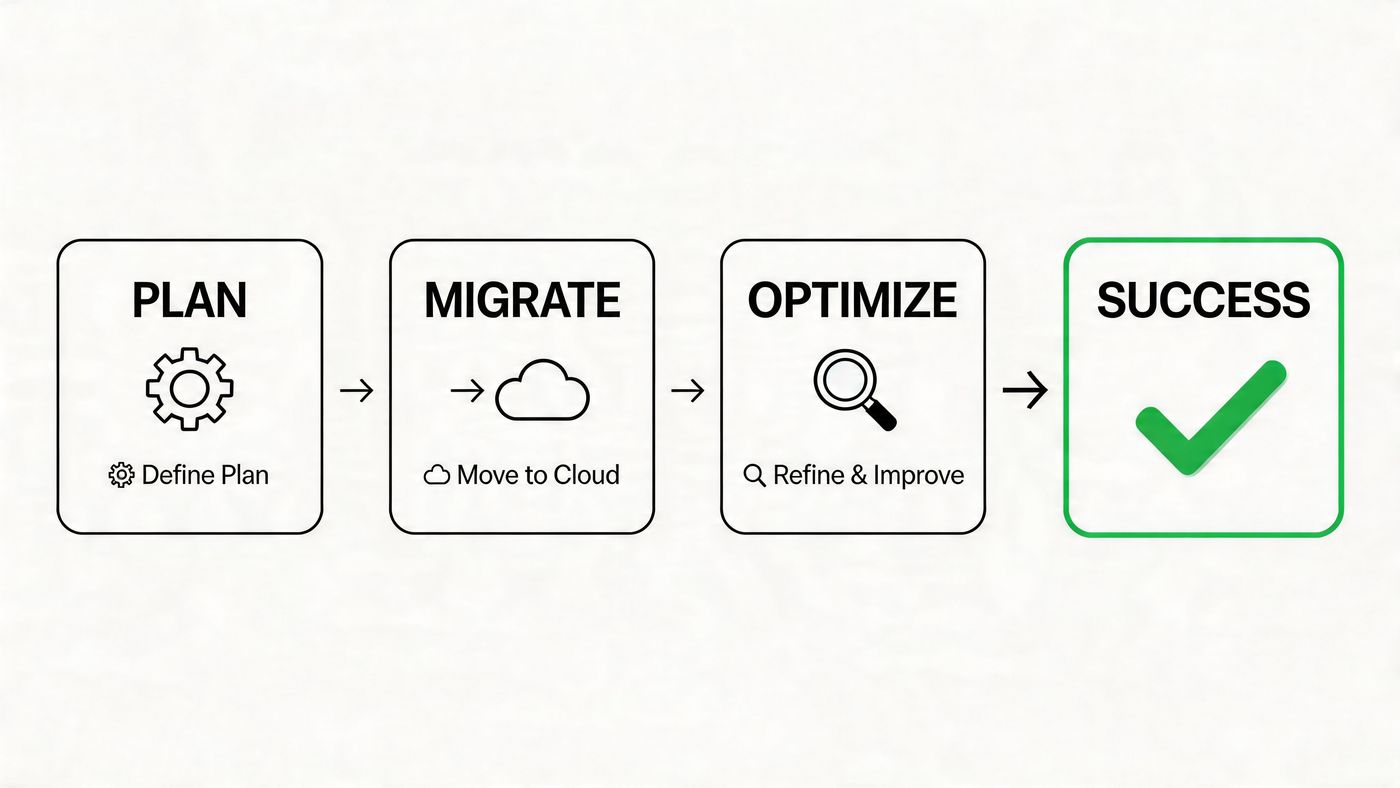
The main objective is simple. Validate user experience, security controls, and support processes before you scale.
If you’re evaluating windows 365 for business and want a practical review of fit, compliance considerations, licensing, and rollout risk, talk to CloudOrbis Inc.. A structured assessment can clarify whether Windows 365 Business, a different Microsoft desktop model, or a phased migration makes the most sense for your users and your budget.
Book a 30-minute call with a senior engineer. No sales script, just straight answers about your environment.


