The Ultimate IT Checklist for Businesses in Edmonton: A Practical Guide
Secure your company with our essential IT checklist for businesses in Edmonton. Covering security, backups, and compliance to help you thrive in 2025.

Secure your company with our essential IT checklist for businesses in Edmonton. Covering security, backups, and compliance to help you thrive in 2025.

In Edmonton's dynamic business landscape, from accounting firms in the downtown core to trades companies in the west end, a robust IT foundation isn't just an advantage, it's a necessity. Too often, we see promising businesses held back by overlooked IT issues: sluggish networks, inadequate security, or messy data management. This isn't just about preventing problems; it's about unlocking growth and ensuring your operations run smoothly and securely day in and day out. As a managed IT services provider working with businesses of 10 to 50 employees across Alberta, we've distilled our experience into this practical, no-fluff guide.
This it checklist for businesses in edmonton is designed for busy owners and managers, cutting through the jargon to provide actionable steps you can implement immediately. We’ve seen firsthand how a well-organized IT framework transforms a company’s efficiency and resilience. We will walk through the essential pillars of a healthy IT system, sharing what we’ve learned from real clients to help you turn technology into a powerful asset, not a persistent headache.
This comprehensive checklist covers the critical pillars of modern business technology. We'll explore everything from standardizing hardware and stabilizing your network to organizing accounts, securing data with reliable backups, and implementing essential cybersecurity measures. We will also cover modern collaboration tools and the importance of IT policies and training. Each point is designed to provide clear, actionable insights to fortify your business, helping you build a more secure, efficient, and scalable operation. Let’s get started.
The first step on any practical IT checklist is to get organized. We often walk into new client offices, be it a school or an insurance brokerage, and find a mix of different computer brands, models, and ages. This creates a management nightmare, making support, security, and updates incredibly difficult. Standardizing your hardware is about creating consistency.
When every team member uses a similar, business-grade device (like a Dell Latitude or HP EliteBook), it streamlines everything. We can create a single, secure configuration and deploy it across all machines, ensuring everyone has the same security settings and software. This not only simplifies maintenance but also makes it easier to swap out a device if one fails, minimizing downtime for your staff.
Your network is the central nervous system of your business. If it’s slow, unreliable, or insecure, everything grinds to a halt. For businesses in Edmonton, from trades companies needing reliable field connectivity to medical billing offices transferring sensitive data, a stable network is non-negotiable. We frequently find that businesses are using consumer-grade routers from their internet provider, which simply aren't built for the demands of a 10+ person office.
A well-structured network uses business-grade equipment (firewalls, switches, and wireless access points) to provide fast, secure, and reliable connectivity. It should also include a separate, secure Wi-Fi network for guests to use, keeping them completely isolated from your internal company network and sensitive data.
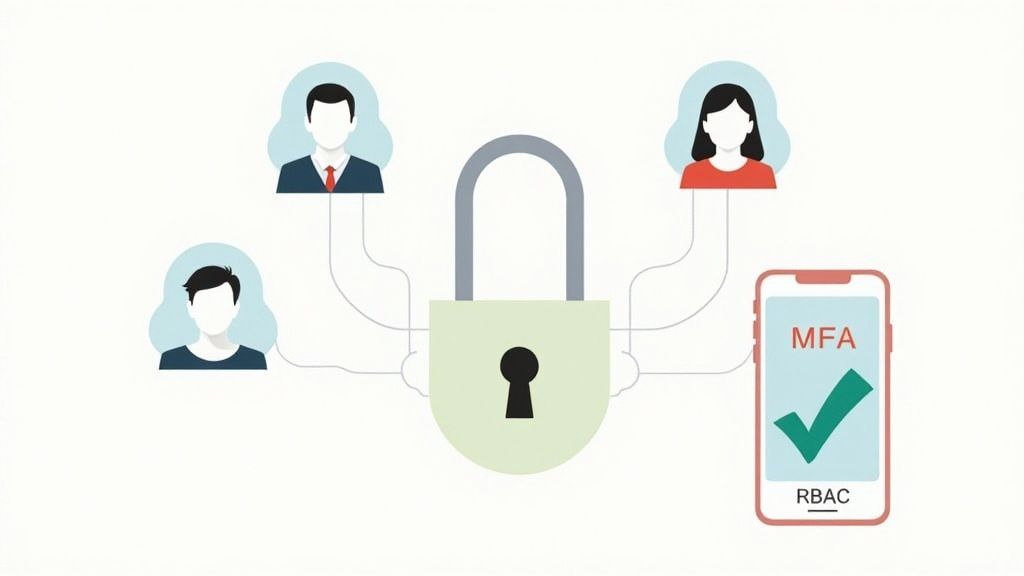
Managing user accounts and passwords is a critical security function. We often see businesses using shared logins or failing to disable accounts when an employee leaves, creating massive security holes. The solution is to centralize your user management using a platform like Microsoft 365 or Google Workspace.
These platforms allow you to create a unique account for every employee, which they use to access their email, files, and other company applications. When someone leaves, you can disable their account in one place, instantly revoking their access to all company data. Equally important is enforcing strong security policies, like multi-factor authentication (MFA), which requires a second form of verification (like a code on a phone) in addition to a password. This single step can block over 99% of account compromise attacks.
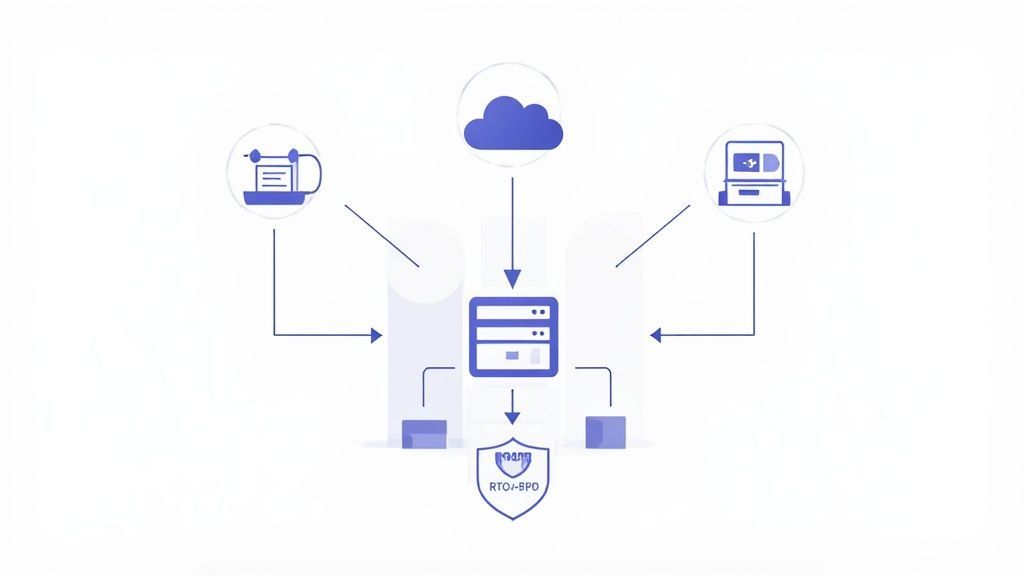
The question isn't if you'll face a data loss event, but when. It could be a hardware failure, an accidental deletion, or a ransomware attack. A robust backup and recovery plan is your ultimate safety net. For an accounting firm in Edmonton, losing financial records could be catastrophic. For a school, losing student data is a major breach. Your backups are what allow you to recover and continue operating.
We recommend the 3-2-1 backup rule: have at least three copies of your data, on two different types of media, with one copy stored off-site (e.g., in the cloud). This ensures that even if your office is inaccessible, your data is safe and recoverable. Simply copying files to an external hard drive is not enough. A modern backup solution should be automated, encrypted, and tested regularly.
While cybersecurity is a vast topic, there are a few foundational layers that every business needs. This goes beyond basic antivirus. Modern threats are more sophisticated, requiring a multi-layered defence to protect your endpoints (computers and servers).
A good starting point is a modern Endpoint Detection and Response (EDR) solution, which acts like a security camera for your devices, actively monitoring for suspicious behaviour, not just known viruses. Additionally, a DNS filtering service can block access to malicious websites before an employee can even click on a dangerous link. These proactive measures are essential for protecting against ransomware, phishing, and other common attacks we see targeting Edmonton businesses.
Messy file storage is a common problem. We see files scattered across individual desktops, USB drives, and various personal cloud accounts. This is not only inefficient but also a major security risk. Centralizing your files in a secure, cloud-based platform like Microsoft Teams/SharePoint or Google Drive is a game-changer.
These tools provide a single, secure location for all company documents. They enable real-time collaboration, version control (so you can recover a previous version of a file), and granular permissions to control who can see and edit sensitive information. For a distributed team, like a trades company with staff in the office and at job sites across Alberta, this provides seamless and secure access to critical project files from anywhere.
Technology is only half the battle. Your people are your first line of defense, but they can also be your biggest vulnerability. That's why the final item on our it checklist for businesses in edmonton is about the human element: policies, training, and support.
You need a simple, written IT policy that outlines acceptable use of company technology. More importantly, you need to train your team on how to spot and report threats like phishing emails. We do this through ongoing security awareness training and simulated phishing tests. This builds a culture of security where employees are an active part of your defense. Finally, your team needs a clear and simple way to get fast, effective IT support when they run into problems.

Navigating the complexities of modern information technology can feel overwhelming, especially for the small and mid-sized businesses that form the backbone of Edmonton's economy. The practical IT checklist we have explored, from standardizing hardware to training your team, represents the foundational pillars of a resilient and competitive organization. Each item is a critical piece of a much larger strategic puzzle.
Completing this checklist is not merely about ticking boxes; it is about fundamentally transforming your IT from a reactive cost centre into a proactive, strategic asset. For the accounting firms in South Edmonton, it means ensuring client financial data is protected with rigorous access controls. For the logistics companies near the airport, it translates to reliable network uptime that keeps the supply chain moving. This is the tangible, real-world value of a well-executed IT strategy.
The primary challenge we see with many Edmonton businesses is not a lack of awareness, but a shortage of two critical resources: time and specialized expertise. You understand why a disaster recovery plan is important, but dedicating the hours to test it quarterly is another matter. You know software patching is vital, but managing updates across dozens of devices without disrupting workflow requires a specific skill set.
This is where the true benefit of a partnership becomes clear. An it checklist for businesses in edmonton is a powerful starting point, but its real power is unlocked through consistent, expert implementation. A trusted IT partner takes this blueprint and brings it to life, handling the day-to-day technical burdens so you can focus on your core business objectives, like serving your clients and growing your revenue.
Key Insight: A checklist provides the "what," but a managed IT partner delivers the "how," ensuring that crucial security and operational tasks are never overlooked. This proactive management prevents small issues from escalating into costly, business-disrupting emergencies.
Think of us as an extension of your own team. We don't just implement solutions; we integrate them into your unique business context. We have seen firsthand how a properly managed IT asset inventory saves a construction company thousands in unnecessary hardware purchases and how regular phishing simulations turn a medical billing office's staff into their first line of defence against ransomware.
Mastering these IT domains provides more than just security; it builds a foundation for sustainable growth and enhances operational efficiency. It gives you the peace of mind to pursue new opportunities, knowing your technological infrastructure is secure, optimized, and ready for whatever comes next. The journey from a static checklist to a dynamic, thriving IT environment begins with a single step: choosing the right partner to guide you.
Ready to turn this comprehensive it checklist for businesses in edmonton into a reality for your organization? Let CloudOrbis Inc. provide the expertise and hands-on support you need to secure and streamline your technology. Contact us today for a complimentary consultation and discover how our managed IT services can become your greatest competitive advantage.
Book a 30-minute call with a senior engineer. No sales script, just straight answers about your environment.


