Endpoint Security Examples: 8 Controls for Canadian SMBs
Real-world endpoint security examples for medium-sized businesses: Defender, Intune, BitLocker, EDR and zero trust, with tactics you can apply this quarter.

Real-world endpoint security examples for medium-sized businesses: Defender, Intune, BitLocker, EDR and zero trust, with tactics you can apply this quarter.

An accounting assistant opens an invoice on Monday morning. Within minutes, the laptop starts encrypting shared files, colleagues can't open their documents, and your IT lead must decide whether to disconnect the device or shut down access across the office.
A single click shouldn't compromise the whole office. Employee laptops, desktops, servers, and mobile devices sit where users, applications, credentials, and business data meet. Attackers can use that access to turn a local infection into a wider incident.
The Canadian Centre for Cyber Security's ransomware threat outlook, drawing on Statistics Canada's survey of Canadian organizations, reports that 16% of businesses experienced a cybersecurity incident in 2023. Antivirus matters, but installing it doesn't establish who investigates an alert, isolates a device, or restores the files staff need.
Practical rule: Judge endpoint protection by what your team can prevent, detect, contain, and recover, not by whether a security agent appears in the taskbar.
The following endpoint security examples pair deployment patterns with business decisions. Some prevent unauthorized execution. Others restrict access, protect stored data, or give a lean team help responding after hours.
For a medium-sized organization, these aren't eight separate purchases. They're options for building a coherent stack around the devices and workflows you can least afford to lose.
Microsoft Defender for Business combines antivirus with endpoint detection and response, or EDR. It helps administrators investigate suspicious behaviour and contain compromised devices instead of treating every detection as an isolated malware alert.
Say an Ontario accounting firm replaces legacy antivirus with Defender for Business. When an invoice attachment triggers suspicious activity, IT can review the device timeline and isolate the supported endpoint through the Microsoft Defender portal. The useful change isn't just a newer scanner. It's a defined path from detection to containment.

Defender for Business is included in Microsoft 365 Business Premium, which can simplify purchasing for organizations already using that suite. Security operations run through the Defender portal, while device configuration may also involve Intune. Confirm supported operating systems, mobile requirements, and separate server licensing before assuming your subscription covers every asset.
Inventory deserves attention before policy tuning. The Auditor General of Canada's federal cybersecurity audit found that federal organizations hadn't supplied a complete central inventory of IT endpoint devices, despite extensive host-based monitoring.
Start this week: Onboard a representative group and test a harmless detection and isolation workflow. Pair rollout with phishing training, and use CloudOrbis's Microsoft endpoint protection guide to connect deployment decisions with ongoing management.
Intune checks device health; Microsoft Entra Conditional Access uses that status to control access. Together, they can prevent an unmanaged or non-compliant device from reaching sensitive Microsoft 365 resources.
A logistics company might require a passcode and supported operating system before a phone can access corporate email. A legal firm might require compliant devices for SharePoint client files while permitting restricted browser access from personal laptops. Those browser restrictions need their own supported session controls, not just a compliance checkbox.
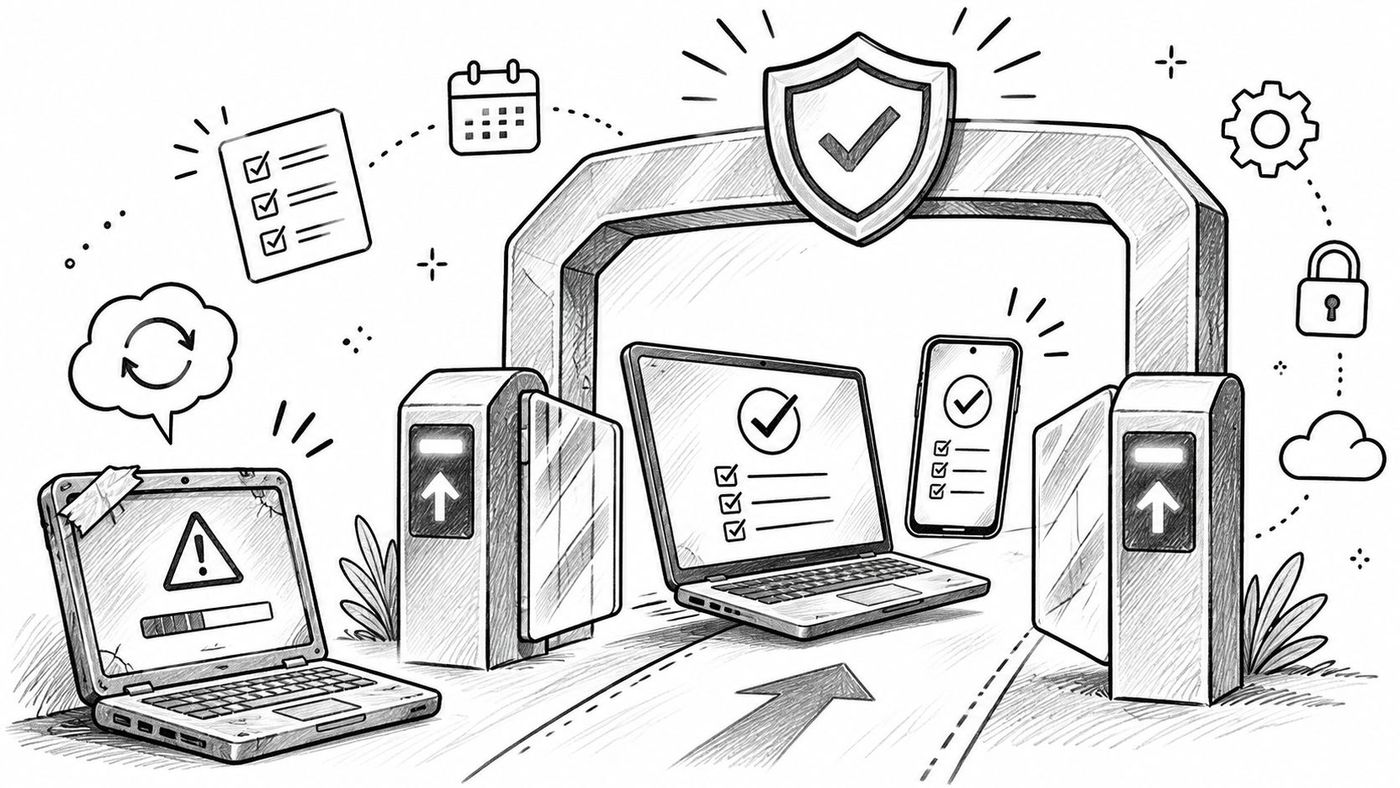
Start with requirements your team can explain and support: encryption, active protection, a screen lock, and an acceptable operating system version. Confirm enrolment and licensing prerequisites before making compliance a condition of access.
Personally owned devices need a different conversation. Decide whether staff must enrol the hardware, use managed applications, or work through a restricted browser session. Document what IT can inspect and whether it can wipe corporate data without deleting personal content.
The trade-off is straightforward: stricter policies reduce exposure but can interrupt legitimate work when enrolment or compliance reporting fails. A clear support route makes the policy sustainable.
Start this week: Pilot a report-only policy for client files and review the results with the affected department. CloudOrbis's Intune device management overview explains how centralized management supports consistent device standards.
A construction employee leaves a field laptop in a vehicle, and someone steals it. BitLocker protects the stored data against unauthorized offline access, provided encryption is active and the device's keys and authentication remain secure.
BitLocker encrypts Windows operating system drives and supported data volumes. Through Intune, Microsoft Entra ID, or Active Directory management, IT can store recovery keys centrally and recover access for a legitimate user. That makes encryption practical for portable devices containing bids, drawings, financial records, or patient information.
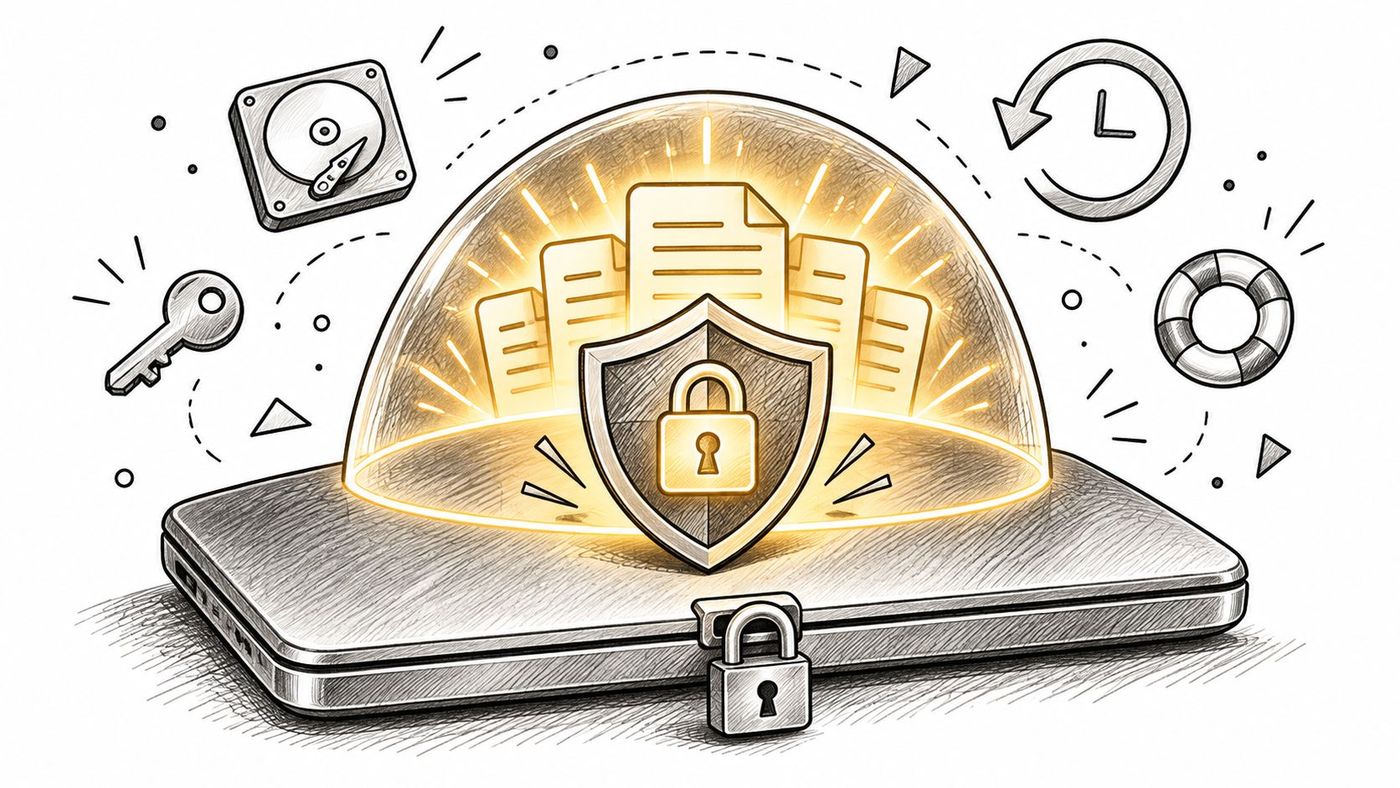
Encryption status alone isn't enough. Confirm that each recovery key is stored centrally, associated with the correct device, and accessible only to authorized staff. For higher-risk laptops, consider a trusted platform module, or TPM, with a startup PIN, accepting the extra user support it requires.
A medical practice should include a lost-device scenario in its privacy incident plan. Under PIPEDA, organizations must report breaches posing a real risk of significant harm, notify affected individuals, and keep records of all breaches, as explained in the Cyber Centre's emergency preparedness planning guidance.
Encryption protects data at rest. It doesn't prevent malware from accessing files through an already signed-in user account.
Start this week: Verify key storage and perform a controlled recovery on a test laptop. Record who approved the recovery, where the key came from, and whether staff regained access successfully.
Track encryption status during regular compliance reviews, and investigate suspended protection rather than accepting a green deployment report. CloudOrbis's endpoint security best practices place encryption alongside the access and monitoring controls it needs.
Application control prevents unapproved code from running. Windows Defender Application Control, now associated with App Control for Business, provides a stronger enforcement approach, while AppLocker supports rules based on publishers, paths, and file hashes.
This fits fixed-function devices particularly well. A manufacturer can restrict shop-floor PCs to approved machine-control software and support utilities. A clinic can limit shared workstations to its health record client, imaging tools, and required background components.
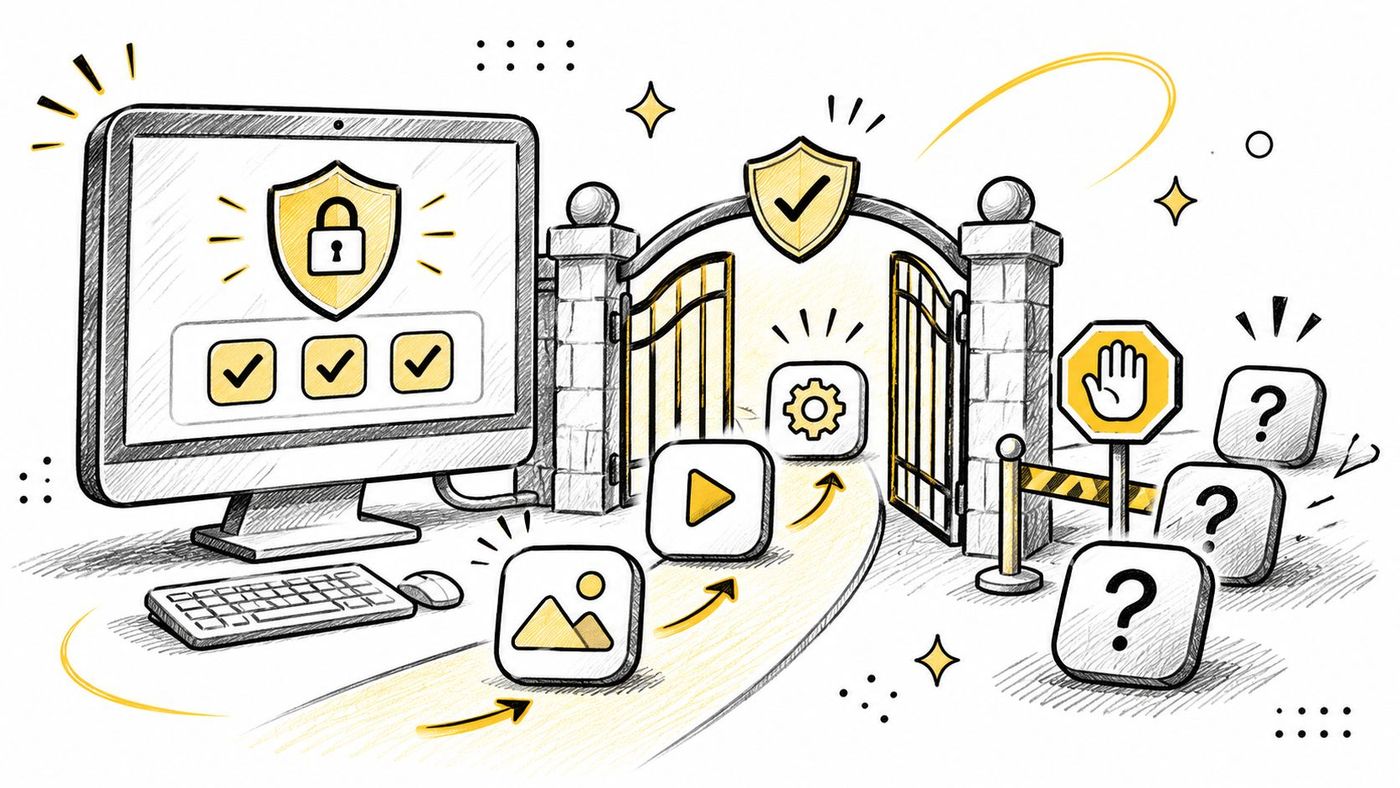
A policy that blocks unknown executables can stop an unauthorized program launched from an infected USB drive. It won't make every approved application safe, and it doesn't replace patching. Attackers can still abuse trusted tools or exploit permitted software.
The main deployment risk is interruption. An incomplete allowlist can block an updater, a diagnostic utility, or a component that runs only during a particular production task. Use audit mode across representative work before enforcing restrictions.
Shared and kiosk devices are sensible starting points because their required software is easier to define than a developer's or engineer's workstation.
Start this week: Choose a fixed-function pilot device, collect audit events through its normal workflow, and have its operational owner validate the proposed allowlist. For clinical or production systems, agree on maintenance windows and recovery procedures before enforcement.
Controlled folder access blocks untrusted applications from changing protected files. It targets a damaging consequence of endpoint compromise: ransomware encrypting business documents.
A law firm can protect local client-document folders and investigate blocked modification attempts. An engineering firm can evaluate protection for project folders and supported network locations, then test whether its design applications can save, rename, and export files normally.
The business case extends beyond a nuisance infection. The Cyber Centre's National Cyber Threat Assessment reports that the average ransom paid in Canada in 2023 was approximately $1.130 million CAD.
Controlled folder access works with compatible Microsoft Defender configurations, but it needs testing. Legitimate applications may be blocked, particularly older line-of-business tools or applications that save through helper processes.
Don't allow an entire collection of executables just to silence complaints. Identify the actual process that needs write access, validate it, and grant the narrowest practical exception. Review blocked events closely during rollout, then include them in regular security operations.
Recovery boundary: Controlled folder access can block unauthorized changes. It can't guarantee that attackers won't steal readable files or compromise another system.
Start this week: Enable audit mode on a document-heavy pilot workstation and inspect the applications that modify protected files. Then run a restore test using an independent backup, so the control and recovery plan are both usable before an incident.
CrowdStrike Falcon collects endpoint activity, detects threats, and supports containment through a cloud-managed platform. Paired with managed detection and response, or MDR, it gives a lean IT team human investigation and escalation beyond an unattended alert queue.
Consider a multi-site logistics company with remote staff and warehouse computers. A managed security team investigates suspected credential theft and isolates an affected laptop under an agreed response policy. The value comes from the operating model as much as the sensor.

CrowdStrike's prevention, EDR, and managed-service capabilities depend on the selected subscription. Establish what the service investigates, what it can remediate, and which actions require client approval.
An integrated platform can improve operations, but results aren't transferable between products or organizations. In its vendor-published TELUS Digital case study, Palo Alto Networks reports a 35% reduction in endpoint-security false positives and a 65% decrease in mean time to respond after an integrated deployment. Those are organization-specific outcomes, not Falcon performance claims.
Isolation on a warehouse workstation may be inconvenient; isolation on a production-control machine may halt operations. The response policy must distinguish them.
Start this week: Run a tabletop exercise around a compromised remote laptop and resolve every ownership gap. Use CloudOrbis's managed endpoint detection and response guide to evaluate monitoring, investigation, and containment as one service.
Field laptops don't always have reliable connectivity. SentinelOne Singularity uses on-device behavioural detection to identify and stop supported threats, reducing dependence on continuous cloud lookups for immediate protection.
A construction company can use that capability on laptops travelling between job sites. A professional-services firm can also test Windows rollback during a controlled ransomware simulation, verifying which malicious changes and affected files the configured platform can restore.
Rollback is useful, but it isn't unconditional recovery. Its availability depends on the operating system, licensing, configuration, and usable recovery information. Offline detection also doesn't mean your security team receives immediate alerts from a disconnected device.
The Cyber Centre's guidance for healthcare organizations recommends backups so organizations can maintain access to critical information and systems after ransomware or other disruptions. A clinic should therefore treat rollback as an additional recovery mechanism, not its disaster recovery plan.
Test what happens when a device is disconnected, when it reconnects, and when recovery information isn't available. Document the boundary between automated remediation and the work IT must complete manually.
Start this week: Select a non-production Windows device and validate prevention, alert delivery, containment, and recovery under realistic connectivity conditions. Don't assume a successful demonstration on one configuration proves that every field laptop can recover the same way.
The BeyondCorp model bases application access on user identity, device condition, and context rather than office-network location. Google's approach offers a useful design principle for Canadian SMBs: being connected to the corporate network shouldn't automatically grant trust.
A mid-sized accounting firm can apply that principle using Microsoft Entra, Intune, and Conditional Access. For supported cloud applications, staff authenticate with multifactor authentication and use compliant devices, rather than relying on a VPN connection as proof that access is safe.
This is broader than a device-compliance rule. It also requires decisions about application exposure, permissions, authentication strength, session restrictions, and exceptions.
Choose client files or email before attempting a wholesale network redesign. Map who needs access, which devices they use, and whether legacy applications depend on network-level connectivity. Keep the VPN where it remains necessary until you have a supported alternative.
The City of Kimberley offers a related lesson in coordination. Its published Fortinet case study describes moving from disconnected firewall and antivirus controls toward integrated endpoint monitoring and response. It doesn't establish BeyondCorp adoption or a quantified reduction in incidents, but it illustrates why isolated controls are harder to operate coherently.
Trusted access should depend on current evidence about the user and device, not merely on where the connection originates.
Start this week: Put a high-value application behind a report-only access policy and inspect legitimate exceptions. Require MFA, review access logs regularly, and remove permissions users no longer need.
Document an urgent-access process with an owner and expiry condition. CloudOrbis's zero trust security model guide connects these principles with practical identity and device controls.
| Item | Best for | Cost or licensing | Main limitation | Setup effort |
|---|---|---|---|---|
| Microsoft Defender for Business for Small and Mid-Sized Businesses | Organizations with up to 300 users seeking endpoint protection in Microsoft 365 | Included in Microsoft 365 Business Premium | Advanced threat hunting requires higher-tier licensing | Guided setup; onboarding and policy tuning required |
| Device Compliance and Conditional Access with Microsoft Intune | Organizations that need to restrict access based on device health | Requires Microsoft Entra ID P1 or higher for Conditional Access | Strict rules can lock out staff | Moderate; requires careful policy rollout and device inventory |
| Full-Disk Encryption with BitLocker and Centralized Key Recovery | Protecting data on lost or stolen Windows devices | Built into Windows Pro and Enterprise; little or no additional license cost | Not available on Windows Home without additional tools | Low to moderate; key recovery and deployment need planning |
| Application Control with Windows Defender Application Control and AppLocker | Fixed-function, shared, or kiosk devices with predictable software needs | Licensing details depend on Windows edition and management setup | Policies can disrupt workflows and require updates as software changes | High; requires piloting, audit review, and ongoing policy maintenance |
| Ransomware Protection with Controlled Folder Access | Protecting designated business folders from unauthorized changes | Low cost when Microsoft Defender is already licensed | Protects only designated folders and does not replace backups | Low to moderate; testing and app allowlisting may be needed |
| Managed Endpoint Detection and Response with CrowdStrike Falcon | Organizations needing advanced detection and continuous monitoring | Higher cost than basic antivirus; pricing details not specified | Requires skilled staff or a managed partner to get full value | Moderate; deploy in stages and define alert and response ownership |
| Autonomous Endpoint Protection with SentinelOne Singularity | Distributed or field-based teams, including devices that may work offline | Typically higher than basic endpoint protection; pricing details not specified | Rollback support varies by operating system and configuration | Moderate; test rollback and compatibility with business applications |
| Zero Trust Device Access Inspired by Google BeyondCorp | Cloud-first organizations securing remote access based on identity and device health | Licensing details depend on the chosen tools; Microsoft Entra and Intune can support implementation | Requires accurate device records and disciplined identity management | High; migration and ongoing policy monitoring require planning |
These endpoint security examples work best as coordinated layers, not overlapping purchases. Select an endpoint platform that fits your environment, then connect it to device management, encryption, application restrictions, secure access, backups, and a response process.
Defender for Business, CrowdStrike Falcon, and SentinelOne Singularity are alternative platform directions in many deployments. Installing competing protection agents everywhere can create conflicts and additional administration. Intune compliance, BitLocker, application control, and identity-based access address different risks and can complement the selected platform.
Discovery should establish which devices exist, who owns them, what they access, and who can authorize changes. Include remote laptops, personal phones, servers, virtual desktops, and specialized equipment, even when you can't install an endpoint agent on them.
For each critical workflow, identify the consequence of isolation or downtime. A clinic needs continued access to patient information. A manufacturer needs a safe approach to shop-floor systems, while a legal practice needs evidence about access to confidential client files.
These measures tell leadership whether protection is operating, not merely purchased. Use them to prioritize work against business consequences rather than adding tools because they have more features.
Write down who monitors alerts, who can isolate devices, and who owns recovery. Keep privileged access separate from everyday accounts, and connect technical procedures with your Incident Response Plan and Disaster Recovery Plan.
At CloudOrbis Inc., our discovery and audit process maps the client's network and identifies risks without disrupting the team. We document administrative access, while access to business-critical applications stays with the client unless explicitly delegated. That boundary helps security staff act without assuming authority over operational systems.
Start with a documented baseline and a prioritized remediation plan. Your next deployment should close a known gap, have an accountable owner, and include a test that proves the control works without unnecessarily interrupting staff.
CloudOrbis Inc. offers managed IT, endpoint protection, threat detection, vulnerability assessments, and backup and disaster recovery services. Visit CloudOrbis Inc. to book an assessment of your current endpoint environment and identify practical improvements to device coverage, secure access, and incident recovery.
Book a 30-minute call with a senior engineer. No sales script, just straight answers about your environment.


