Dynamics 365 New Features: 7 Updates for 2026
Explore the latest Dynamics 365 new features for 2026, from agentic ERP to AI sales tools, with practical adoption tips for Canadian SMBs.

Explore the latest Dynamics 365 new features for 2026, from agentic ERP to AI sales tools, with practical adoption tips for Canadian SMBs.

Which Dynamics 365 updates matter for your business, and which ones will add another configuration project to an already stretched IT team?
Microsoft's growing catalogue of Dynamics 365 new features makes that distinction important. A promising agent doesn't automatically fix an unreliable process, and an announced capability isn't necessarily available in your Canadian tenant. The useful question is whether an update removes a real bottleneck without creating more operational risk.
These seven feature areas deserve attention from mid-sized organizations evaluating customer service, sales, field operations, and ERP improvements. Each needs a different implementation approach, particularly where customer information, financial approvals, or frontline workflows are involved.
For broader product context, the Microsoft Dynamics resources on Applied provide another starting point. For adoption decisions, start with the work your employees need to complete, then assess the technology.
The AI at Work roadmap isn't an operational feature. It's a planning tool that helps administrators distinguish announced functionality from features moving towards deployment.
Microsoft's roadmap transition announcement describes a planned move beginning in September 2026 to continuously published Dynamics 365, Power Platform, and Dataverse updates, with statuses including In Development, Rolling Out, and Launched. The broader public roadmap brings connected business applications, Microsoft 365, Copilot, and agents into a shared planning view.
Free public access, feature descriptions, and estimated release timing make this useful for identifying dependencies across products. An IT lead can assess whether a proposed customer-service improvement also needs changes to identity, data access, or employee training.
The trade-off is certainty. Dates can change, and public roadmap visibility doesn't prove that a feature is enabled in your tenant.
Practical rule: A roadmap entry belongs in your evaluation backlog, not automatically in your production change schedule.
For the employee-adoption side, our guide to using Microsoft 365 Copilot helps frame training and everyday usage. Prioritize this planning tool when your business relies on several connected Microsoft applications.
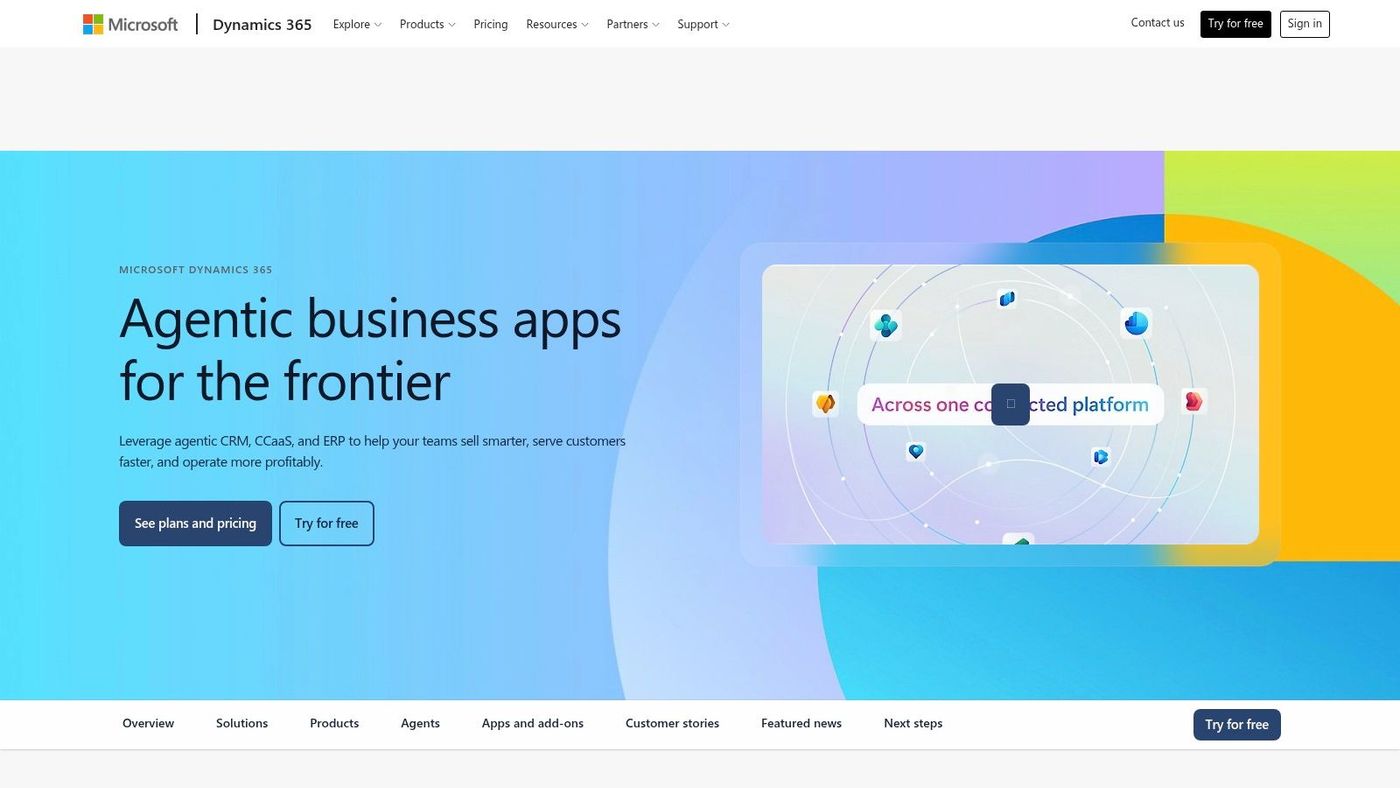
A purchasing exception rarely belongs to purchasing alone. Someone may need to check inventory, review a supplier commitment, confirm budget authority, and notify operations before taking action.
Agentic ERP applies AI assistance and agents to that connected work. Microsoft's release-plan overview describes planned AI-powered experiences across finance, supply chain, commerce, human resources, and other operational applications, supported by deeper Copilot integration and cross-application capabilities.
The potential advantage is fewer manual handoffs between departments. For organizations already using Dynamics 365, an agent could support repeatable administrative work without employees copying context between disconnected systems.
That doesn't mean every process should become autonomous. Start with a bounded task, such as preparing an exception summary for a purchasing manager, rather than granting authority to approve supplier changes.
The main disadvantage is implementation complexity. Cross-department automation exposes inconsistent records and unclear ownership rather than repairing them.
Our assessment of Dynamics 365 pros and cons provides useful context for that investment. Put agentic ERP on your roadmap when repeated handoffs are the bottleneck and your underlying processes are already reasonably consistent.
A caller who wants a delivery update shouldn't need to remain on hold while your dispatch team handles an inbound surge. Customer-first direct callbacks offer an alternative by preserving the caller's queue position and initiating a callback when they reach the front.
For organizations evaluating Dynamics 365 Contact Center documentation, this is a practical service improvement rather than an AI showcase. It's most relevant to businesses with substantial inbound demand, such as logistics support desks or centralized appointment teams.
The benefit is straightforward: customers can leave the phone without surrendering their place. However, callbacks don't create additional representative capacity, and poor staffing can still produce a frustrating experience.
Test the complete call journey with your organization's telephony configuration. Confirm caller identification, number capture, representative availability, and what happens when the customer doesn't answer.
A callback is an alternative to holding, not a substitute for adequate staffing.
For a clinic, also review voicemail wording and identity verification before discussing appointment details. For a distributor, ensure the representative can open the relevant order quickly. Prioritize callbacks when waiting on the phone is a documented customer problem, not just because the feature sounds convenient.
Sales AI is only as useful as the opportunity records behind it. If sellers leave next steps blank and keep customer commitments in private inboxes, more advanced recommendations won't solve the underlying problem.
Dynamics 365 Sales is expanding its emphasis on Copilot and agents for seller workflows, including customer engagement, lead research, follow-up, deal insights, and emerging risks. These capabilities can help sellers prepare and prioritize, but generated output still needs review.
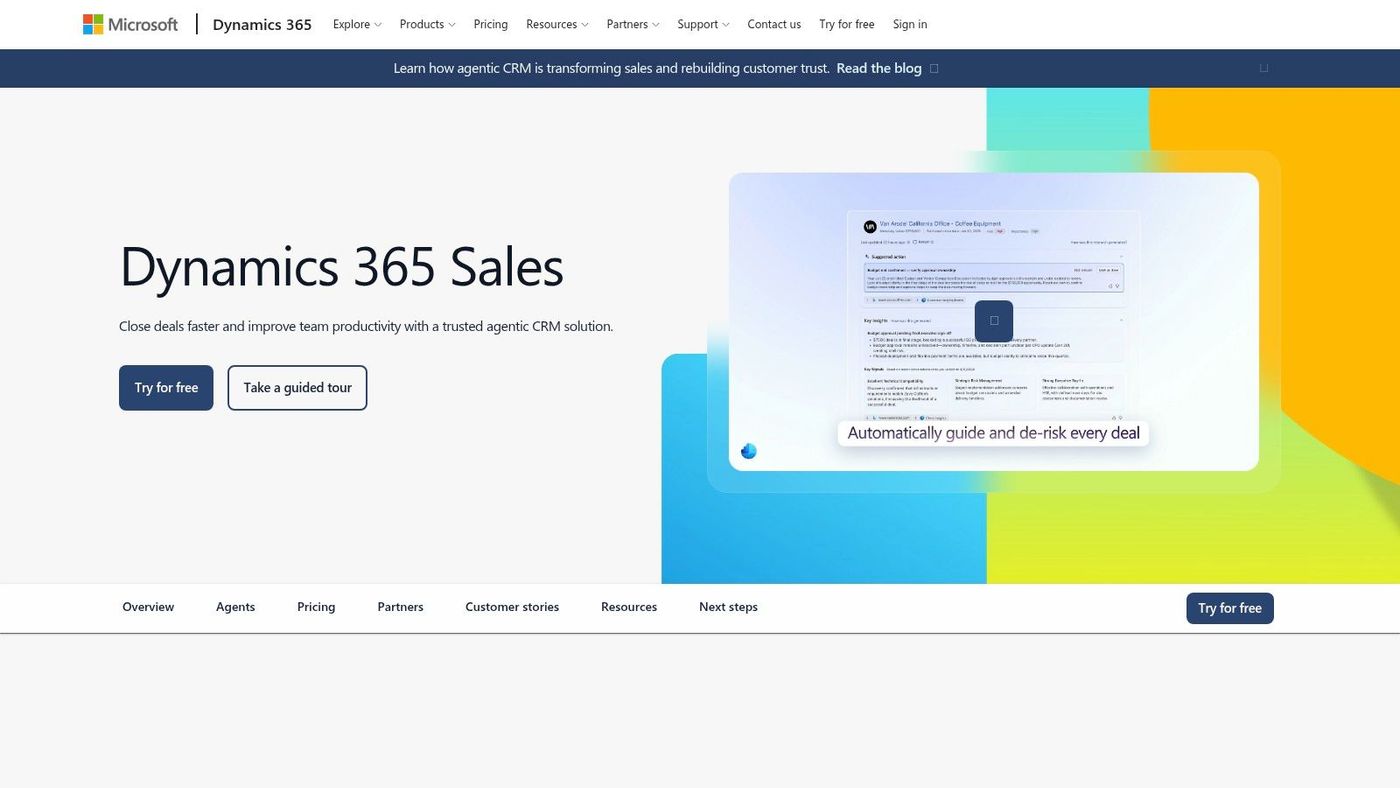
Choose a specific activity, such as preparing for an account conversation or identifying opportunities without a clear next action. That gives managers a concrete way to assess usefulness without treating every AI-generated suggestion as an improvement.
The upside is less routine research and easier access to relevant CRM context. The downside is that inaccurate records can produce confident but unhelpful summaries, while additional configuration or licensing may affect the business case.
Before enabling a capability, check:
Our guide to CRM and small business explains the process foundations worth establishing first. Prioritize Sales AI when your team actively works in Dynamics 365 and needs help using existing information, not when you're still persuading employees to maintain it.
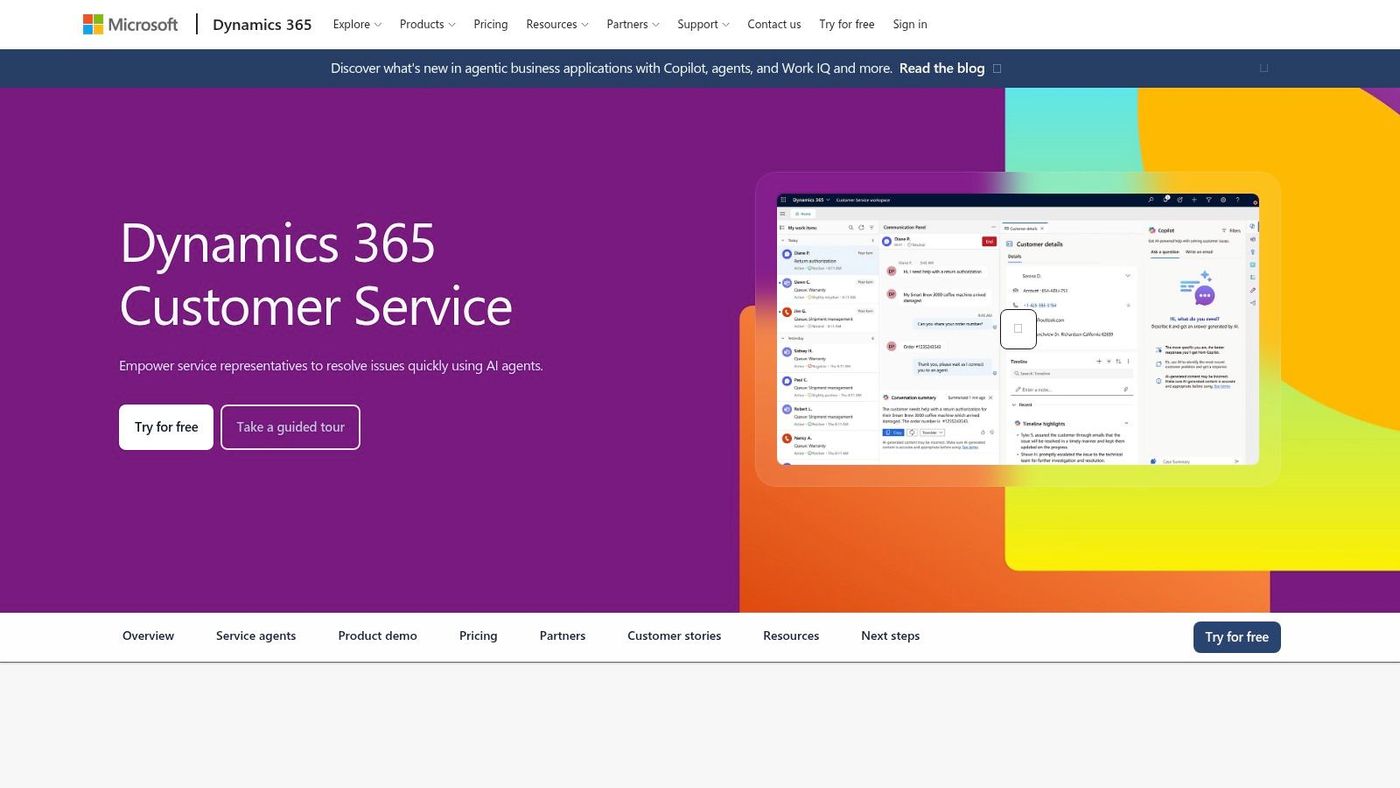
A service representative needs more than a suggested reply. They need the correct customer record, reliable knowledge, and a clear route for exceptions.
Dynamics 365 Customer Service combines case and knowledge-management assistance with routing capabilities. Microsoft's planned service enhancements include email classification, shadow-mode prediction testing, simulated case-resolution flows, next-best-action recommendations, and autonomous email resolution.
Knowledge retrieval and suggested responses keep a representative involved. Autonomous resolution carries a different risk because the system can act without the same immediate review.
Microsoft's Customer Service feature schedule lists general availability for autonomous customer-email resolution as planned for September 2026, making availability confirmation essential before committing to deployment.
For a regulated service team, begin with reliable knowledge and routing. Remove outdated articles, identify content owners, and test ambiguous cases that should reach a person.
Governance boundary: Treat a suggested answer and an automatically sent answer as different deployment decisions.
If fragmented records are the underlying issue, explore Microsoft Dynamics connectivity before expecting AI to assemble dependable context. This area deserves priority when support bottlenecks are repeatable and supervisors can actively review outcomes.
A technician arriving without the right asset history or inspection instructions has an operational problem, not merely an inconvenient mobile experience. Dynamics 365 Field Service improvements are relevant when dispatchers and frontline workers need better coordination.
Microsoft's Field Service release material describes automated inspection generation from templates, scheduler insights, frontline information access, and Teams and Outlook integration. Alongside mobile usability, AI-powered agents, and vendor-related workflows, these are capabilities to evaluate for adoption rather than assume are all newly available together.
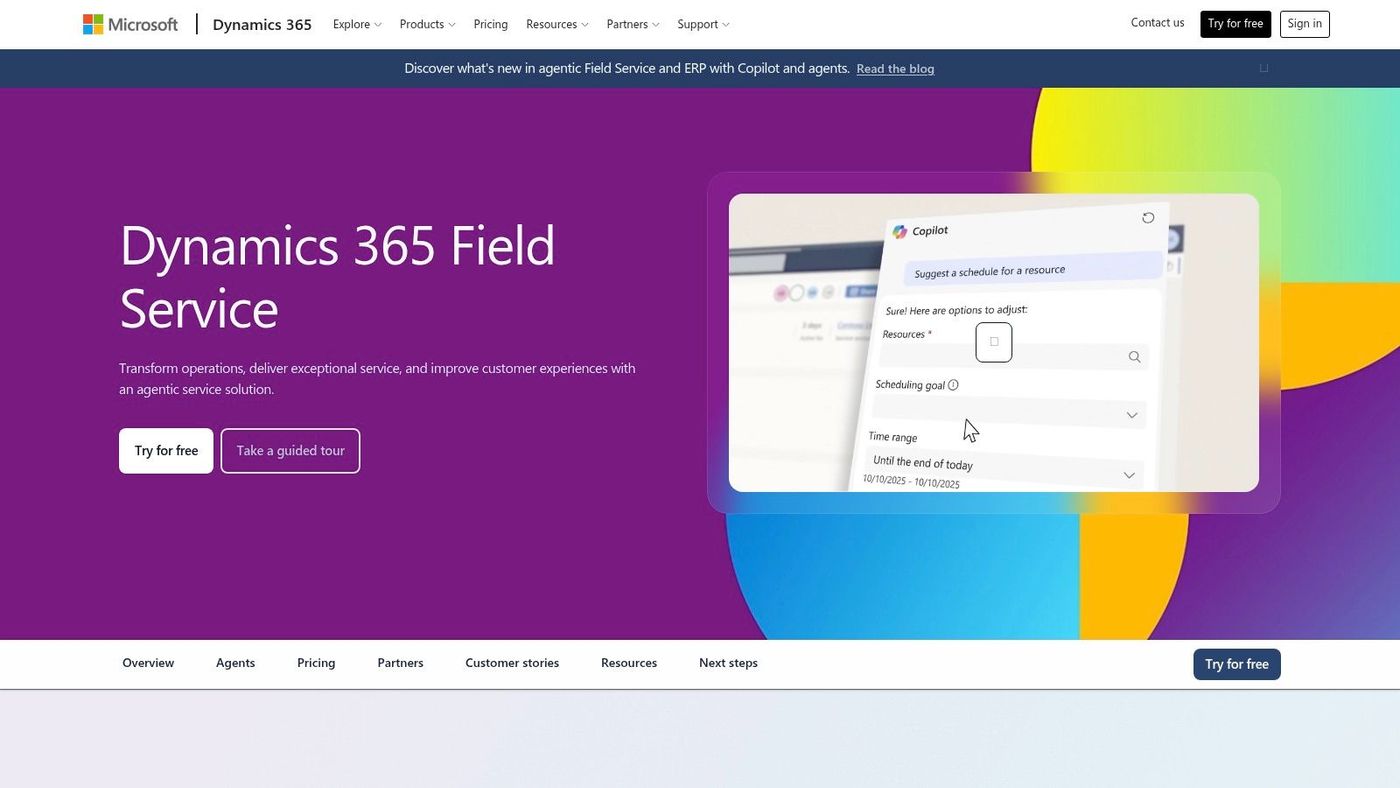
The advantage is practical: dispatch, inspections, communications, and work-order completion can become better connected. The implementation burden is heavier than a routine app update because schedules depend on accurate assets, technician skills, service territories, and job requirements.
A construction service team should test a real field journey, including weak connectivity and device restrictions. Confirm which information technicians can access, how updates synchronize, and who handles failed submissions.
Our comparison of workflow automation tools can help distinguish a simple approval requirement from a broader service-management need. Prioritize Field Service improvements when dispatch and technician coordination cause recurring friction, provided someone owns the operational data.
Business Central AI agents deserve a separate assessment from broader enterprise ERP automation. The relevant question for a mid-sized organization is whether sales and purchasing assistance fits its existing transaction processes without adding disproportionate complexity.
Dynamics 365 Business Central combines finance, purchasing, and operational capabilities for small and midsize organizations. Recent release material describes agents aimed at sales and purchasing, alongside developer improvements for testing, debugging, and extensibility.
For a distributor, a sensible pilot could assess assistance with routine order preparation while employees retain responsibility for unusual pricing, credit decisions, and purchasing commitments. The potential benefit is less repetitive administration, not the removal of accountable transaction owners.
Fit depends on your Business Central configuration. Extensions, custom approval logic, and integrations need testing because a workflow that works in a standard demonstration may behave differently in your environment.
For organizations considering a move from older software, our overview of Microsoft Dynamics NAV helps frame the platform discussion. You can also consider implementation advice from HR Management 365 when organizing evaluation questions.
Prioritize these agents if Business Central already supports your core operations. If you're still standardizing item records, approvals, or purchasing practices, address those foundations before introducing autonomous actions.
| Feature Area | Best For | Business Impact | Implementation Consideration |
|---|---|---|---|
| AI at Work roadmap | Organizations planning adoption across Microsoft business products | Clarifies feature status and supports cross-product planning | Release dates are estimates; verify tenant availability and Message Center notices |
| Agentic ERP | Organizations with complex, cross-functional ERP workflows | May automate repeatable tasks and reduce manual handoffs | Check feature availability and licensing; govern and test automation |
| Customer-first callbacks in Dynamics 365 Contact Center | Contact centers handling high inbound call volumes | Offers callers an alternative to waiting on hold | Test phone-system integration; results depend on queue setup and staffing |
| AI and agent enhancements in Dynamics 365 Sales | Sales teams managing opportunities in Dynamics 365 | May reduce routine work and help prioritize follow-up | Review AI output; value depends on CRM data quality, adoption, and licensing |
| AI-assisted customer service and routing | Service teams handling repeatable customer cases | May help agents find knowledge faster and route cases appropriately | Keep knowledge current, monitor routing, and review AI-assisted decisions |
| Field Service scheduling, mobile, and workflow improvements | Organizations coordinating technicians and off-site service work | May connect scheduling and service processes and support field teams | Ensure accurate operational data; plan for devices, connectivity, and setup |
| Business Central AI agents | Small and midsize organizations using Business Central | May automate repetitive sales and purchasing tasks | Assess process fit and setup; provide oversight and consider extensions for advanced needs |
The strongest adoption plan doesn't include every available feature. It focuses on a few areas where employees lose time, customers encounter friction, or managers repeatedly chase missing information.
Choose two or three feature areas tied to real bottlenecks. A busy service desk might prioritize callbacks and knowledge assistance, while a distributor might focus on purchasing preparation and technician coordination.
For each candidate, name the process owner, the expected operational improvement, and the conditions that would stop deployment. Confirm tenant availability, Canadian regional support, licensing, integration dependencies, and administrator responsibilities before scheduling production work.
Don't treat access to Microsoft applications as proof that every connected agent is licensed, configured, or appropriate for your business. Similarly, an AI feature doesn't establish privacy or sector compliance on its own.
During discovery, we assess the existing stack and identify integrations that preserve useful CRM and line-of-business tools. Our Growth & Strategy services include AI Implementation, Workflow Optimization & Automation, and Project Planning & Management, helping connect proposed changes to an executable plan.
A Discovery Call provides a personalized walkthrough of our support platform, policies, and reporting. Bring your current application list, operational bottlenecks, and governance concerns so the conversation starts with business requirements rather than a feature catalogue.
CloudOrbis Inc. offers IT strategy, AI implementation, and workflow optimization to help organizations plan sensible Dynamics 365 adoption. Visit CloudOrbis Inc. to book a Discovery Call and identify which updates fit your systems, controls, and operational priorities.
Book a 30-minute call with a senior engineer. No sales script, just straight answers about your environment.


