HIPAA Compliant IT Support: A Complete Guide
Learn what HIPAA compliant IT support entails for healthcare practices. Covers safeguards, vendor selection, and ongoing monitoring to protect patient data.

Learn what HIPAA compliant IT support entails for healthcare practices. Covers safeguards, vendor selection, and ongoing monitoring to protect patient data.

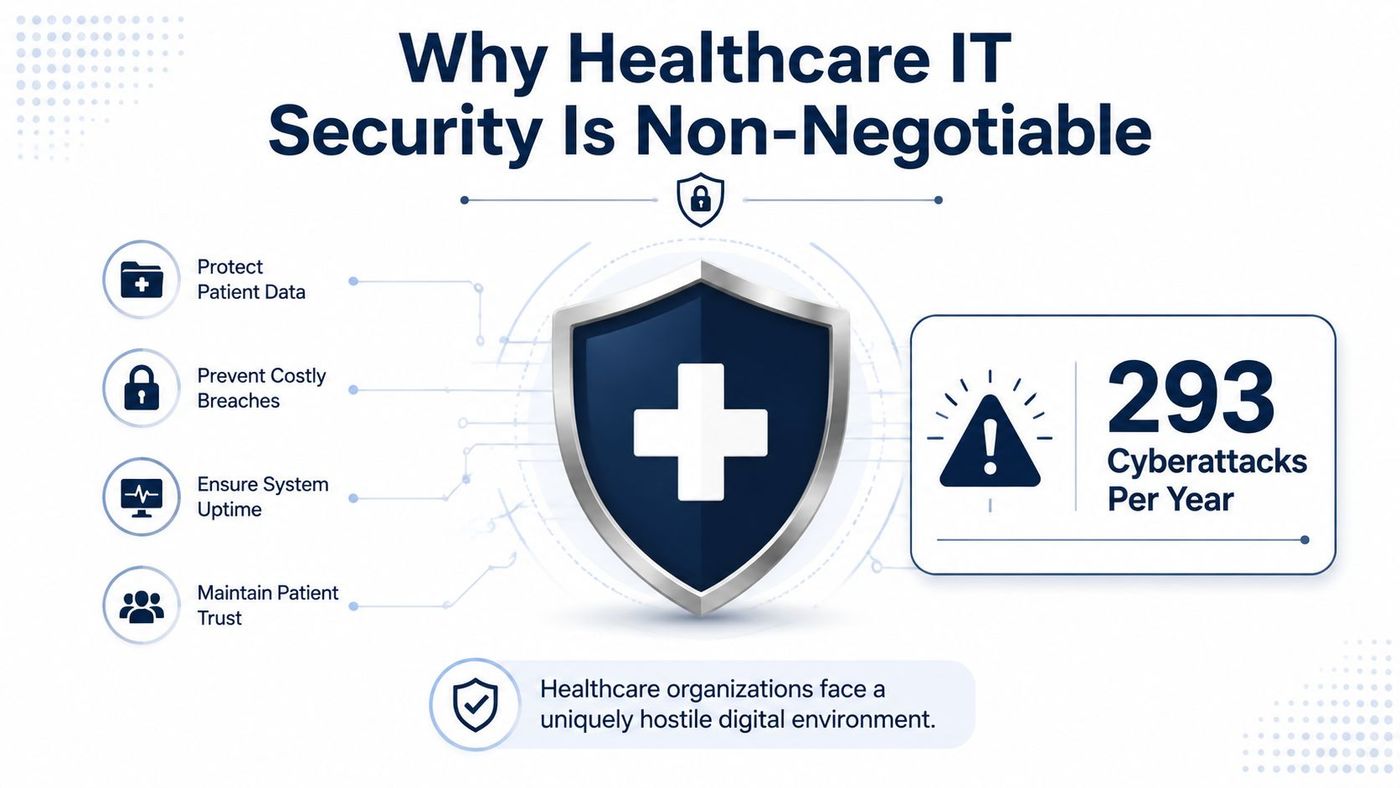
Canadian healthcare organizations experience an average of 293 cyberattacks per organization, compared with 241 across all sectors, and nearly two-thirds of attacked healthcare organizations report a resulting data breach. HIPAA compliant IT support is therefore an operational necessity for Canadian providers handling U.S.-linked workflows, not a luxury reserved for large hospital systems.
The challenge is that Canadian healthcare organizations often operate under more than one compliance framework. A clinic in Ontario may need to meet obligations under the Personal Health Information Protection Act, or PHIPA, while also supporting HIPAA expectations for U.S. patients, insurers, partners, or software providers. Generic U.S.-centric guidance misses that layered reality.
Effective support connects policy to daily work. It governs how staff access patient records, how vendors handle data, how remote teams connect, how incidents are contained, and how evidence is preserved for an investigation. The right managed IT partner doesn't only install security tools. It helps make secure behaviour the easiest behaviour for staff to follow.
Canadian healthcare has become a particularly attractive target because clinics hold information that criminals can exploit, disrupt, or sell. A 2026 Canadian cybersecurity study cited by CDW's analysis of healthcare cyber risk found an average of 293 cyberattacks per healthcare organization, compared with a national average of 241 across all sectors. Nearly two-thirds of attacked healthcare organizations reported a resulting data breach.
A breach rarely begins with a dramatic failure visible to leadership. It may start with a stolen password, an unpatched workstation, a misdirected attachment, an over-permissioned account, or a third-party platform connected to a clinical workflow. The immediate consequence may be an unavailable scheduling system. The longer-term consequences can include patient concern, operational delays, investigation costs, and difficult questions from regulators and partners.
Practical rule: Treat every system that creates, receives, stores, or transmits patient information as part of the security boundary.
HIPAA compliant IT support provides the operational layer behind that boundary. It should include controlled identity management, endpoint protection, patching, secure backups, monitoring, incident response, and documented procedures. Those controls work together to reduce the chance that one mistake becomes a broad exposure.
For Canadian providers, the service also needs to respect Ontario privacy requirements rather than applying a U.S. checklist unchanged. Healthcare cybersecurity best practices from CloudOrbis offer a useful starting point, but executives should ask how those controls will operate across their own vendors, cloud systems, staff devices, and cross-border workflows.
Healthcare security depends on administrative, physical, and technical safeguards. Ontario Health's guidance makes the same practical point: protecting personal information and protected health information requires these layers to work together, supported by encryption, monitoring, logging, auditing, and independent validation of data-centre controls. A firewall can't compensate for poor access reviews, and a strong policy can't protect a lost laptop without device controls.
Administrative safeguards define who is responsible for protecting information and what happens when something goes wrong. They include privacy policies, role definitions, workforce training, risk assessments, vendor reviews, and incident response plans.
A useful plan names decision-makers, escalation paths, containment actions, documentation requirements, and communication responsibilities. Staff should know how to report a suspicious email or accidental disclosure without delaying because they aren't sure whom to contact.
Training also needs to match the work. Reception staff, clinicians, billing teams, and IT administrators face different risks, so a single annual presentation rarely provides enough operational guidance.
Physical controls include restricted access to offices and server areas, secure workstations, screen-lock policies, device inventories, and controlled disposal. A clinic can have excellent cloud security and still expose information through an unattended computer in a shared reception area.
Device management should cover laptops, mobile devices, removable media, and equipment used by contractors. The objective isn't to make the workplace inconvenient. It's to ensure that a lost device or unauthorised visitor doesn't create an easy path to patient information.
Technical safeguards turn policy into system behaviour. Identity controls, encryption, endpoint security, network segmentation, audit logging, backup protection, and remote-access controls restrict what users and systems can do.
Ontario Health's privacy and safeguard guidance specifically supports a combined approach involving physical, administrative, and technical protections. Executives evaluating their readiness can use CloudOrbis's HIPAA compliance checklist to organise the review, then validate each control against Ontario obligations and the organization's actual workflows.
Technical implementation should begin with a data-flow review. Identify where protected health information enters the organization, which applications process it, where it is stored, who accesses it, and which vendors receive it. This exercise often reveals overlooked locations such as shared mailboxes, backup repositories, intake forms, or support tickets.
Ontario Health states that protected health information should move through formal provisioning channels, shouldn't be stored in SharePoint, and should be shared externally through approved secure file transfer when the approved mail system isn't suitable. It also notes that two-factor authentication may be required for remote work and that access should be limited to the minimum PHI necessary. Those requirements translate into a practical control sequence:
Cloud systems don't remove the need for architecture. Configure separate administrative roles, protect backup accounts, restrict integrations, and document which party owns each security responsibility. Practical firewall advice from DesignStack can help technical teams review perimeter decisions, but firewall configuration should sit within a broader identity, endpoint, monitoring, and data-protection programme.
Data loss prevention controls can add another layer by identifying risky transfers, blocking unauthorised sharing, and alerting security teams when sensitive information moves unexpectedly. CloudOrbis's data loss prevention guidance provides a useful reference for connecting those policies to daily workflows.
A provider can claim healthcare experience without having the operating discipline your clinic needs. Evaluate the service model, hosting location, contract language, response process, and evidence the provider can produce during an incident or audit.
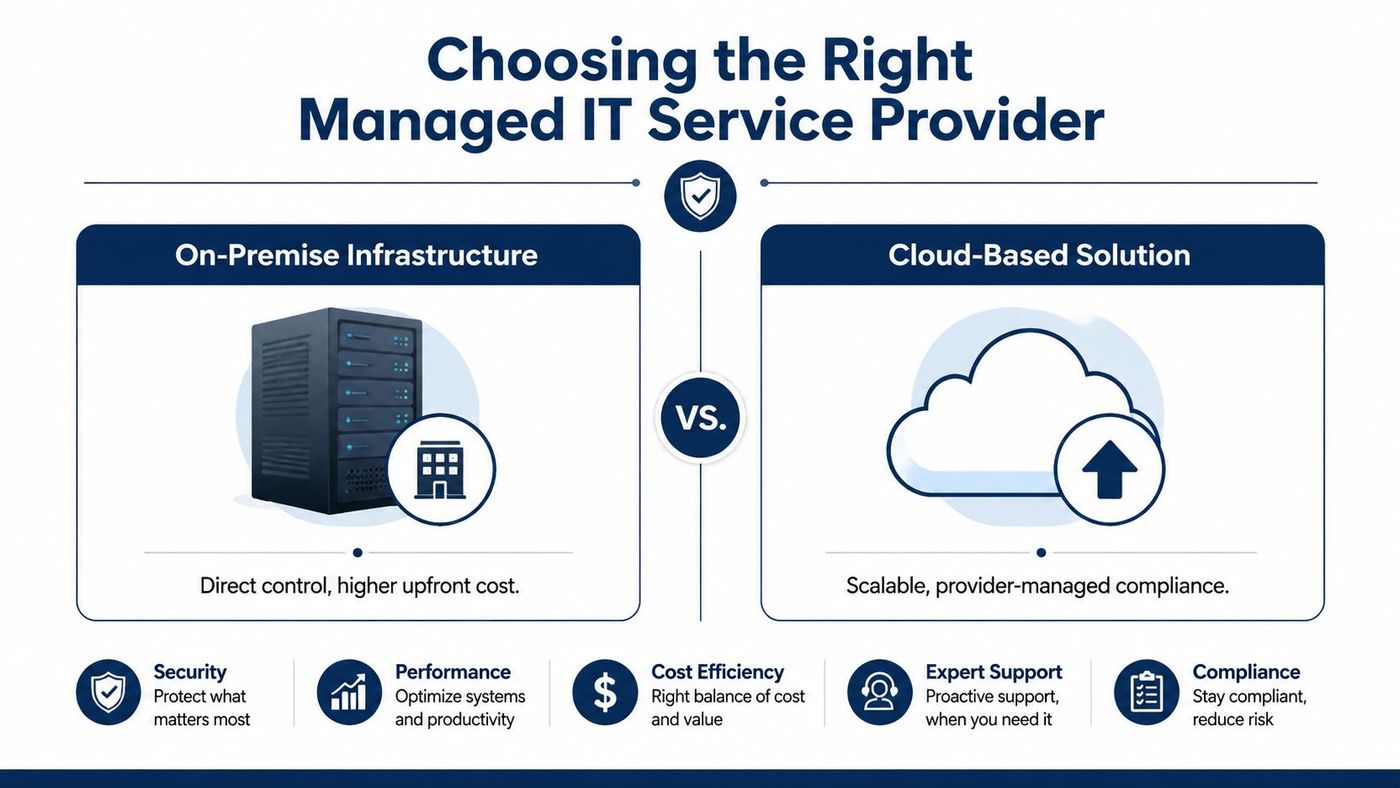
Ontario Health says its Canadian cloud infrastructure is hosted in AWS Canadian data centres and expects third-party providers to comply with contractual restrictions and conditions. For a Canadian organization, Canadian-hosted infrastructure can simplify data-residency discussions, but location alone doesn't establish compliance. You still need access controls, encryption, monitoring, agreements, and clear accountability.
| Option | Advantages | Trade-offs |
|---|---|---|
| On-premise infrastructure | Direct control over equipment, configuration, and physical access | Higher internal responsibility for maintenance, resilience, monitoring, and recovery |
| Canadian cloud infrastructure | Scalable capacity, provider-managed infrastructure, and data hosted in Canadian data centres | Requires careful review of provider access, contracts, shared responsibilities, and portability |
| Co-managed support | Retains internal control while adding specialist monitoring and response capacity | Responsibilities can become unclear without written ownership and escalation rules |
| Fully managed support | Consolidates monitoring, maintenance, security operations, and user support | Creates greater dependence on the provider, making contract quality and exit planning important |
Ask prospective providers direct questions:
CloudOrbis's guide to choosing managed IT service companies offers additional criteria for assessing provider fit. The right choice is the one that makes responsibilities visible, measurable, and enforceable.
A breach response plan must unite technical containment with privacy reporting. The first operational task is to preserve evidence and stop further disclosure. Disable compromised accounts, isolate affected systems, secure logs, identify the information involved, and record decisions as the investigation develops.
Ontario's PHIPA rules require custodians to notify the Information and Privacy Commissioner of Ontario at the first reasonable opportunity when a breach falls within listed regulatory categories. The IPC also states that those categories aren't mutually exclusive, so one incident may create multiple reporting duties. That means a privacy lead shouldn't assume that selecting one category closes the analysis. Review the facts against every applicable category.
Annual reporting has a separate deadline. Health Information Custodians must submit statistics for breaches from the prior calendar year by March 1 of the following year, and the submission must be completed online. Fax and mail aren't accepted, as explained in this Ontario annual privacy-breach reporting guidance.
Federal obligations may also apply. Canada's breach-management guidance requires organizations to report a material privacy breach to the Office of the Privacy Commissioner through its online form or official PDF form.
A practical incident record should capture:
The key management lesson is simple. Reporting cannot begin only after the technical team finishes its work. Privacy, legal, clinical, communications, and IT leaders need a shared process from the first reasonable opportunity.
A compliance checklist can confirm that a policy exists. It can't confirm that staff follow it during a busy clinic day, that a vendor still has appropriate access, or that alerts reach someone who can act. Healthcare leaders need continuous oversight because systems, staff, integrations, and threats change over time.
Ontario's breach environment illustrates the operational pressure. The Information and Privacy Commissioner of Ontario recorded 11,278 health-breach incidents in 2018, 12,286 in 2019, 13,232 in 2020, 11,263 in 2021, 9,998 in 2022, and 10,770 in 2023 in its health privacy reporting. The figures show sustained exposure across Ontario health information custodians, even as annual volumes moved up and down. The Ontario PHIPA breach report supports treating secure access, audit logging, encryption, response planning, and training as routine operating controls.

A mature programme reviews security alerts, privileged access, failed sign-ins, endpoint health, backup status, patch exposure, and unusual data movement. Staff training should reinforce practical decisions, including verifying requests, using approved transfer tools, reporting mistakes quickly, and avoiding unapproved storage locations.
Run tabletop exercises that include a compromised vendor, a lost device, an unavailable clinical application, and an AI-enabled tool handling patient conversations. Ontario's IPC breach protocol emphasises fast containment, reporting at the first reasonable opportunity, and direct notice to affected individuals where required. A 2025 Ontario case involving an AI transcription tool that inadvertently recorded and transcribed a patient-information meeting shows why new technologies need privacy review before broad deployment. See the IPC privacy-breach protocol when updating response procedures.
A managed IT partner should support this discipline with regular reviews, documented remediation, vulnerability assessments, employee training, and clear reporting to leadership. The objective isn't perpetual paperwork. It's a healthcare environment where secure access, rapid escalation, and accountable decision-making happen consistently.
CloudOrbis Inc. provides Canada-based managed IT support, cybersecurity, secure cloud services, backup and disaster recovery, and compliance support for healthcare organizations. Visit CloudOrbis Inc. to discuss a practical HIPAA and PHIPA-aligned approach for protecting patient information and keeping clinical operations resilient.
Book a 30-minute call with a senior engineer. No sales script, just straight answers about your environment.


