
September 18, 2026
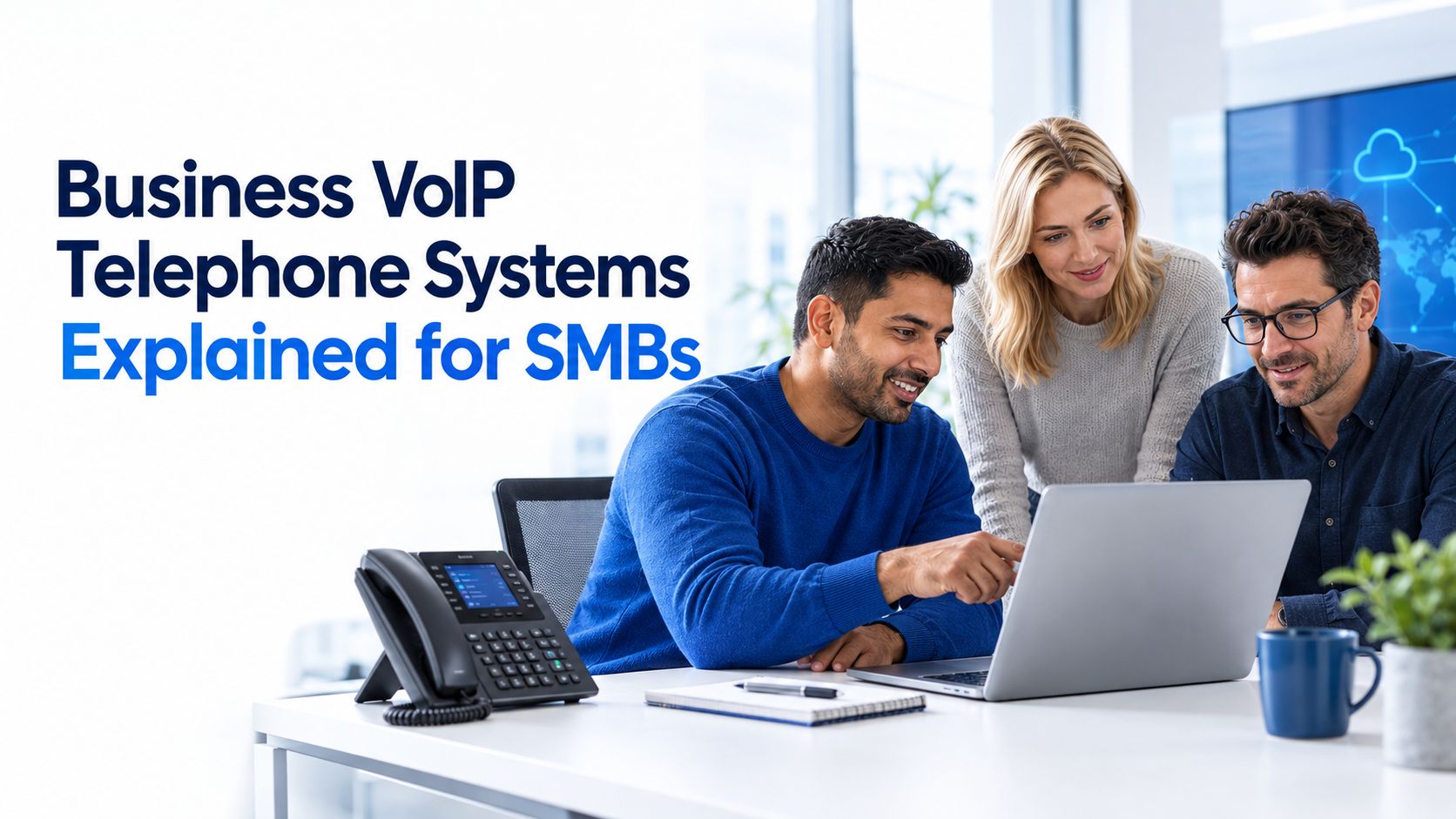
Business VoIP Telephone Systems Explained for SMBsLearn how business VoIP telephone systems work, what they cost and how to choose a secure, resilient option for your Canadian SMB.
Read Full PostNovember 18, 2019

You may be paying a monthly amount to an IT company to provide you with a “managed service.” What does this include, and what exactly are they doing behind the scenes to keep your business online and up and running?
Here’s a list of the most common items an IT company does as part of their service.
By far, the most common service offered. It’s part of the proactive offerings that most firms provide and do for their client base. Included with remote management and monitoring is the ability to patch and keep desktop PCs, laptops and other devices securely updated.
It does not stop there, and the RMM services will also monitor server and system health. If you have a critical business system that’s running at almost full capacity, let’s say, for example, a network storage area.
The RMM will send an alert if a threshold exceeds, which allows the IT provider to plan for capacity and storage upgrades before you run out of space.
Maintaining a working backup is commonplace, and most IT companies that know what they are doing will be regularly checking your backup system to make sure it is working.
The current number one threat to most businesses is data loss and cybersecurity threats. As such, a working backup is imperative.
If, for some reason, your backup fails and you are a victim to a cybersecurity breach. You may lose data; what’s worse, if you can’t prove to your insurers the process you have in place for taking working backups, any insurance policy may be null and void.
Having both a correctly managed backup system and a managed antivirus solution is essential to secure your business.
Again most managed IT service providers will include antivirus protection as part of the overall service. Which is usually charged out on a per device basis; however, cost and price structures can vary widely.
If your IT provider is forward-thinking, they’ll be sitting down with you every quarter to discuss the direction of your business and what technologies you should consider in implementing to improve business operations.
It’s critical in our ever-changing world that your business stays informed on what technologies may not only help make the company more efficient but also one that could transform the entire structure and operations.
Most commonly, we refer to it as account management meetings; however, sometimes also referred to as IT strategy sessions or technology road-mapping.
Have a clear goal of what you are looking to get out of the session and prepare with a list of problems you may have encountered since the last meeting.
Most IT providers love solving problems if you’d like to schedule a session with us. Please get in touch.
September 18, 2026
Business VoIP Telephone Systems Explained for SMBsLearn how business VoIP telephone systems work, what they cost and how to choose a secure, resilient option for your Canadian SMB.
Read Full Post
September 17, 2026
Cloud Migration Roadmap Template That Prevents Costly ReworkGet a practical cloud migration roadmap template plus steps to customize it for assessment, waves, testing and cutover without budget surprises.
Read Full Post
September 16, 2026
How to Send Secure Email in Outlook Made SimpleLearn how to send secure email in Outlook with encryption, S/MIME and compliance tips for Canadian businesses. Step-by-step guide inside.
Read Full Post
